A second brain should make your head quieter. If your note system adds guilt, tabs, and a taxonomy you never maintain, it is not a second brain. It is a second job. Beginners do best with one inbox, a tiny set of places notes can live, and a weekly prune that keeps the system honest.
You do not need a perfect PKM stack to start. You need capture rules that fit a messy Tuesday, notes written for future you, and permission to archive anything that has not earned its keep. This guide stays practical for All U Want readers who want less mental load, not a hobby of organizing apps.
Below you will find why lightweight systems win, a step-by-step setup, mistakes that create overwhelm, a four-week starter plan, and FAQ answers for tool anxiety. Connect the weekly prune to your weekly review checklist, and keep digital files from competing with notes by following how to organize files and folders.
Why beginners need a smaller second brain
Most abandoned note systems fail for the same reason: they optimize for storage elegance instead of retrieval under stress. You build nested folders, tags for every mood, and templates for every meeting. Then a busy week arrives and capture stops. Once capture stops, trust collapses. Once trust collapses, your brain goes back to holding everything.
A beginner second brain has one job: hold ideas, tasks-adjacent notes, and reference so you can think about the current problem. It is not a personal Wikipedia on day one. Depth can grow later from notes you actually reuse.
Overwhelm usually comes from decision load. Every capture should not require choosing among twelve folders. Every note should not require five tags. Put decisions later, during a weekly prune, when you are calm enough to sort.
Signals you need this system
You reread the same articles because you cannot find last month’s takeaway. You keep browser tabs as memory. You rewrite plans that already exist somewhere. You feel anxious when the phone note count climbs. Those are signs that capture is happening but retrieval and pruning are not.
Steps to build notes without overwhelm
Install the pieces in order. Tool choice comes after rules. Rules that depend on a specific app will trap you.
1. One inbox for everything
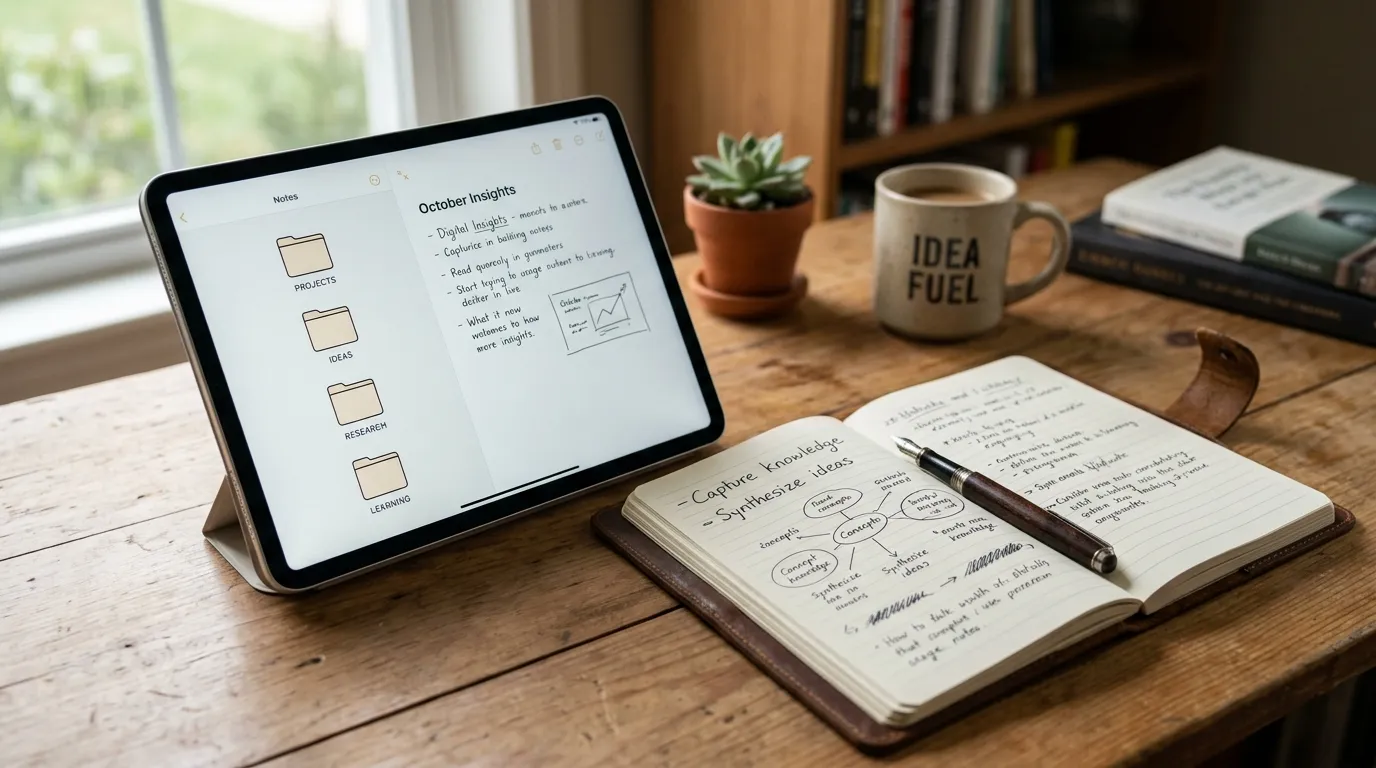
Choose a single capture inbox. Phone widget, desktop shortcut, or paper pocket notebook that gets transferred daily. The rule is simple: new thoughts land in the inbox first. Sorting comes later. If you allow three inboxes “just for now,” you will spend your review hunting.
Capture fast and ugly. Titles can be rough. Spelling can be wrong. The only requirement is that future you can tell what the note is about in one glance. Add a date if your tool does not do it automatically.
What belongs in the inbox: ideas, quotes with sources, meeting leftovers, shopping-for-later thoughts, project sparks, links with one-line why. What does not belong: passwords, large media libraries, or files that should live in a folder system. Notes point to files; they should not replace file organization.
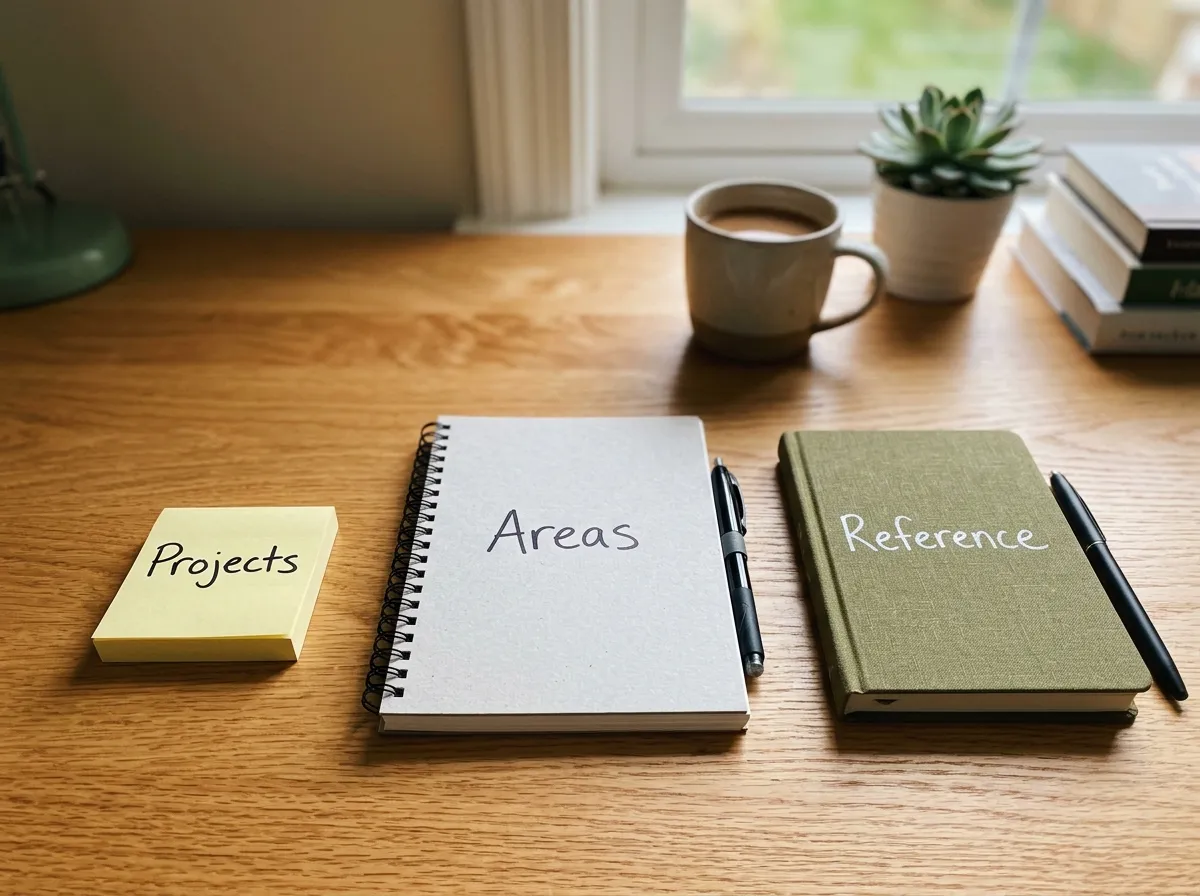
2. Three homes only: Projects, Areas, Reference
When a note leaves the inbox, it goes to one of three homes.
- Projects: outcomes with an end date or clear finish line. Launch the site. Plan the trip. Redesign onboarding.
- Areas: ongoing standards without a finish line. Health, finances, team lead duties, household.
- Reference: material you may need later that is not driving action this month. How-tos, receipts summaries, book notes, checklists.
Extra folders create guilt because empty folders feel like unfinished chores. Three homes are enough to find things. If a note seems to fit two homes, pick the one where you will look first when you need it. You can link elsewhere later.
Someday ideas can live as a single “Someday” note inside Reference or as a short list inside an Area. Do not build a museum of speculative projects.
3. Write notes for future you
Every kept note should answer three questions in plain language: what is this, why did I save it, and what is the next action if any. A clipped article with no “why” becomes landfill. A meeting note with no next action becomes anxiety.
Use short structure. Top line title. Two to five bullets of substance. A “Next” line when action exists. A “Source” line for borrowed ideas. That is enough. Long essays are optional and rare.
Prefer your words over perfect excerpts. Rewriting one insight in your own language improves recall and keeps copyright-heavy pasting in check. If you must paste, paste the smallest useful piece and add your takeaway beneath it.
4. Weekly prune without drama
During your weekly review, open the inbox and empty it. Move notes to Projects, Areas, or Reference. Archive or delete notes with no use. Update project notes so the next action is visible. If a project is dead, archive the whole bundle.
Set a thirty-day rule for stale inbox leftovers and untouched reference piles: if you cannot say how you would use it, archive. Archive is not delete. It is permission to stop seeing the note daily.
Prune is also when you merge duplicates. Two notes about the same vendor become one. Your future self will thank you for fewer near-copies.
5. Retrieve on purpose
A second brain earns trust when you use it mid-week, not only when filing. Before starting a project work block, open the project note. Before a recurring meeting, open the area note. When you feel the urge to open a new tab to “remember that tip,” search your notes first.
If search fails often, your titles are too clever. Rename notes with the words you would actually type later. Clever titles are for published essays. Working titles are for retrieval.
A simple note recipe you can copy
Use this skeleton until you invent your own:
- Title: plain words you would search
- Context: one sentence on why it matters now
- Notes: bullets only
- Next: one verb action or “none”
- Links: related project or file path
For meeting notes, add attendees and decisions. For book or article notes, add three takeaways max and one experiment to try. For ideas, add the problem the idea claims to solve. Ideas without problems become shiny clutter.
Tools: pick boring and stay
Any notes app that syncs and searches will do. Built-in phone notes work. A single Google Doc labeled Inbox works for some people for a month. Fancy graph views are optional entertainment, not a requirement for thinking clearly.
Evaluation criteria for beginners: fast capture from phone, reliable search, low setup time, export path so you are not trapped. If setup takes a weekend, the tool is too heavy for week one.
Keep files elsewhere. Large PDFs, video, and photo libraries belong in folders or cloud drives. Your note can store the link and the takeaway. Mixing heavy files into notes apps often slows search and encourages hoarding. For the folder side of digital life, use a simple structure from how to organize files and folders so notes and files stay complementary.
Mistakes that create second-brain overwhelm
- Building the taxonomy before capture habits. Empty beautiful folders do not reduce anxiety.
- Tagging everything. Tags multiply decisions. Start with zero or three max.
- Saving whole articles instead of takeaways. Your library becomes a unread pile with better lighting.
- Using notes as a task manager replacement without next actions. Projects need a next verb or they rot.
- Daily organizing sessions. Organize weekly. Capture daily. Daily sorting becomes avoidance.
- Copying someone else’s advanced system. Advanced systems assume years of notes and clear work contexts.
- Keeping every version forever in the active view. Archive old drafts. Active space should feel small.
- Skipping the weekly prune. Without prune, inbox trust dies and brain load returns.
Also avoid turning note-taking into the main creative act. The second brain supports shipping. If you spend more time gardening notes than doing the work the notes describe, cut scope until the ratio flips.
Starter plan: four weeks to a calm system
Week 1: Inbox only
Pick one capture tool. Create one note called Inbox or use the app’s inbox feature. Capture everything there for seven days. Do not sort. Goal: prove capture can be centralized.
Week 2: Add three homes
Create Projects, Areas, and Reference. During a thirty-minute session, empty the inbox into those homes. Write next actions on any project note that needs one. Delete obvious trash.
Week 3: Attach prune to weekly review
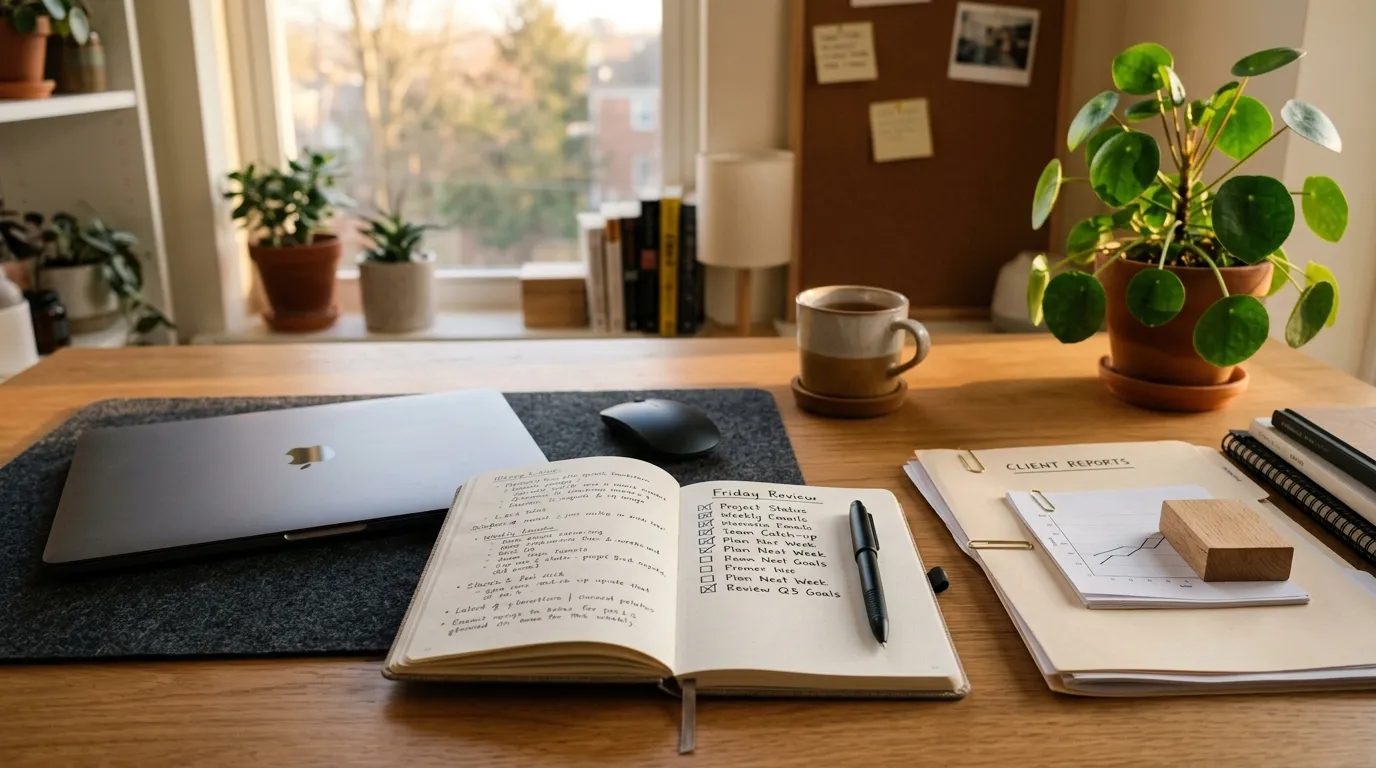
Add “empty notes inbox” as a fixed step in your Friday review. Keep the prune under fifteen minutes. If it runs long, your capture is too detailed or you are over-filing. See the weekly review checklist to slot this beside calendar and outcomes.
Week 4: Practice retrieval
Each workday, open one relevant note before you start the main task. Rename two notes that were hard to find. Archive anything untouched that you cannot justify. By the end of the week you should feel a small drop in tab-as-memory behavior.
Optional month-two upgrade: templates for meetings and project kickoffs only. Still avoid a template museum.
How projects, areas, and reference interact day to day
A project note is active while the finish line is open. When the project ends, move it to Reference or archive. An area note stays slim: standards, recurring checklists, links to current projects. Reference stays quiet until needed.
Example: “Q3 onboarding redesign” is a Project. “People management” is an Area that links to that project. A pasted checklist from a blog becomes Reference after you adapt it, or gets deleted if you never adapt it.
When in doubt, ask: will I look for this while trying to finish something, while maintaining a role, or while searching for a fact? Those answers map to the three homes.
Keeping the system small as life grows
Growth does not require more folders first. It requires better titles, consistent weekly prune, and occasional splits of a huge project note into a short index plus subnotes. Split only when scrolling becomes painful.
If you change jobs or contexts, archive the old area notes in a dated archive folder. Do not delete history on day one, and do not keep old contexts in the active list forever.
Review tool choice only when capture speed or search fails repeatedly. Migrating apps is a project with a finish line, not a perpetual hobby. Migrate once, then return to using the notes.
FAQ
Do I need a special app for a second brain? No. Simple defaults beat complicated setups you abandon. Choose boring sync and search first.
How long does setup take? One focused hour can create inbox plus three homes. The habit takes a few weeks of weekly prune to feel trustworthy.
What about PARA or CODE or other popular methods? They are useful inspiration. For beginners, Projects, Areas, and Reference plus an inbox is enough. Add complexity only after a month of consistent use.
Should meeting notes live in the calendar or the second brain? Put the durable decisions and next actions in the second brain. Calendar can hold the event; notes hold the meaning.
How do I stop saving junk? Force a “why” line. If you cannot write why, do not save it. The thirty-day archive rule cleans what slips through.
Can handwritten notes work? Yes if you transfer actions and key ideas to the digital inbox during the weekly review. Paper-only systems fail when you need search across months.
What if my inbox is already huge? Do not sort all of it. Create a note called “Inbox cold storage,” move the old pile there, and start a clean inbox today. Skim cold storage once for vital items, then archive the rest.
How is this different from organizing files? Files store objects. Notes store meaning and next thinking. You need both, kept intentionally separate so neither system becomes a dumping ground for the other.
When should I add tags? After you feel pain finding a cross-cutting topic across homes, add one tag for that topic. Do not preemptively invent a tag taxonomy.
Related reading
Make the weekly prune automatic with the weekly review checklist, and keep the file side of your digital life from fighting your notes with how to organize files and folders. A calm second brain is mostly clear homes, short notes, and steady pruning—not more software.