Photo libraries grow quietly. Bursts, screenshots, downloads, memes, and near-duplicates from group chats expand storage and slow devices while the meaningful frames get harder to find. Photo declutter is not about becoming a ruthless minimalist who keeps twelve images forever. It is about deleting duplicates and junk without losing the memories that actually matter to you and the people you love.
All U Want frames this as a digital life practice you can do in short sessions. You protect the library with a backup first. You remove obvious waste. You keep one hero image per moment when a burst or series exists. You return for twenty minutes monthly so the pile never becomes a multi-year project again. The emotional goal is relief. The practical goal is a library you can browse, share, and back up without dread.
Why photo clutter feels emotionally harder than file clutter
Documents are mostly utilitarian. Photos feel like proof that a day happened. That is why people postpone cleanup and why aggressive apps that auto-delete can feel unsafe. A humane method separates memory from redundancy. Ten nearly identical shots of the same cake are not ten memories. They are one memory with nine understudies. Keeping the strongest frame honors the moment better than hoarding every take.
Clutter also hides the good photos. When you scroll through blur, screenshots, and duplicates, you stop opening the library for pleasure. Kids’ milestones, travel evenings, and ordinary Tuesday light get buried. Decluttering is a way to make reminiscing possible again. It also shrinks backup size and speeds sync, which makes your wider digital life easier to protect.
1. Back up first so deletion feels reversible
Before any mass delete, copy the library. Use cloud photo sync if you trust and understand it, plus an external drive copy if the collection is precious. Confirm that recent months actually appeared in the backup destination. A backup you have not checked is a story you tell yourself. If you use multiple phones or old laptops, gather the scattered sources first so you do not delete the only copy that lived on a forgotten device.
Write down where the backup lives and how to open it. Include account names at a high level without putting passwords in the same note. If you are decluttering as a household, agree that one person will not wipe a shared album without a check-in. For a full afternoon method covering photos, documents, and credentials together, follow how to back up your digital life before you get ruthless.
Consider a holding album named Review-Before-Delete. Move uncertain images there instead of deleting immediately during early sessions. After thirty days, empty the holding album. That delay softens regret without permanently keeping junk. True trash like accidental pocket photos can still go immediately.
2. Delete obvious junk before you judge art
Start with categories that require almost no emotional debate. Screenshots of boarding passes you no longer need, blurry accidents, pure black frames, duplicate downloads of the same meme, and experimental shots from a camera app you tested once. Clear chat-image saves that exist only because someone sent a flyer. Remove documentation photos after the task is done if you do not need a record, such as a temporary parking sign.
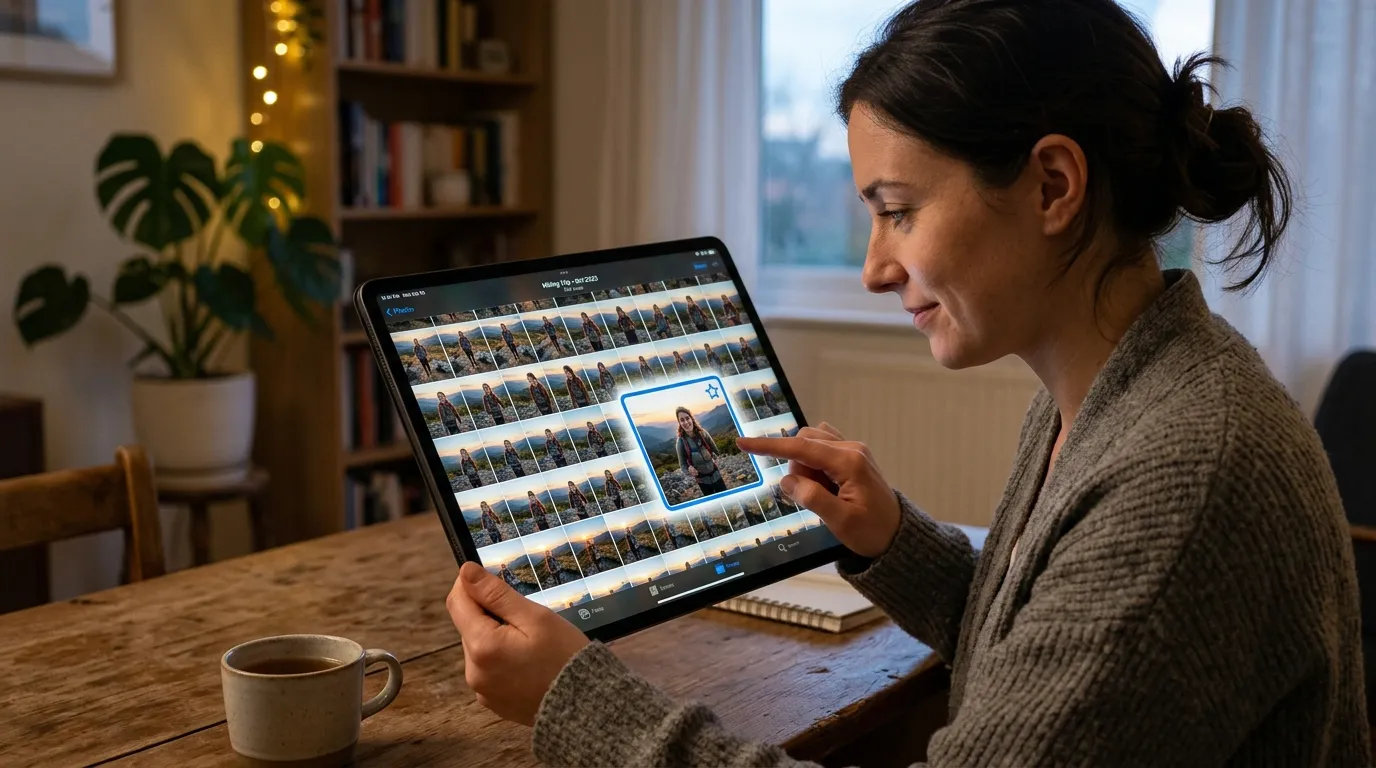
Burst mode and live photo equivalents create volume. For action shots, keep the sharp peak moment. For group photos, keep the frame where eyes are open and faces are visible. You do not need every millisecond. Similar screenshots of the same recipe can collapse to one clear image or, better, a saved note with the URL.
Do this junk pass in twenty-minute blocks sorted by month or by camera roll sections. Working chronologically prevents the overwhelm of “entire library.” Celebrate visible progress: free space and a cleaner month are motivating in a way abstract goals are not.
3. Keep one hero per moment, then let the rest go
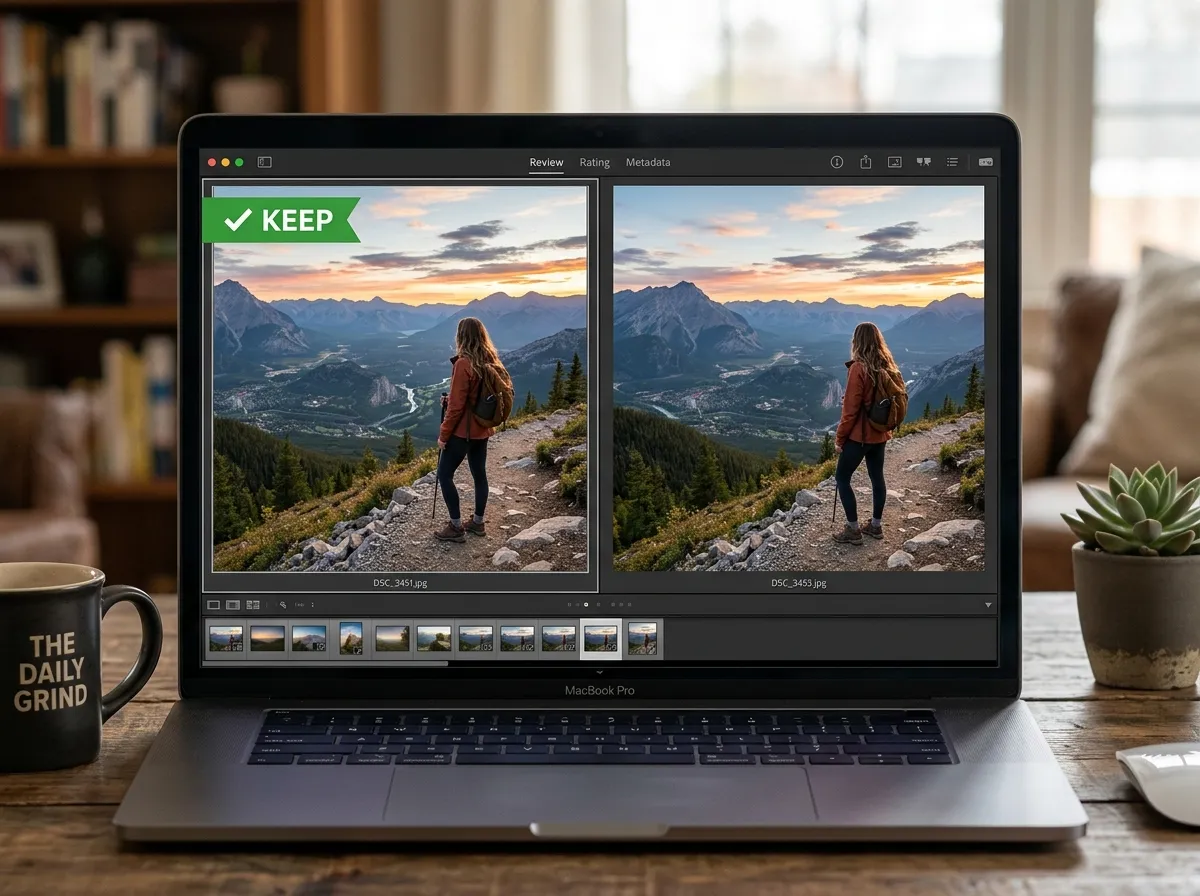
Hero selection is the heart of photo declutter. For each event cluster, ask what you would show someone in thirty seconds. That is usually one to five images, not fifty. Choose based on focus, expression, light, and story. Keep a second shot only when it adds information: a wide establishing frame plus a detail, or two people who were never in the same photo otherwise.
Near-duplicates from slightly different angles are where people stall. Pick the stronger composition and archive or delete the rest. If you cannot choose, keep both for a week in a temporary album, then force a choice. Decision deadlines prevent infinite maybe piles. For children’s sports or performances, keep highlights, not the entire continuous shoot, unless documenting the full event is a deliberate project with its own folder.
Raw files and edits can multiply storage. If you are not an active photographer maintaining an editing pipeline, keep the final JPEG or HEIC you love and remove intermediate exports. If you are an active photographer, separate working catalogs from the family camera roll so personal declutter rules do not fight professional retention rules.
Screenshots of photos are a special trap. If the original exists, delete the screenshot. If the only copy is a screenshot from a chat, crop and save it cleanly once, then remove extras. Memes and reaction images can live in a dedicated album with a size cap, or outside the main camera library entirely.
4. Do twenty minutes monthly so overwhelm never returns
Annual photo weekends fail because the backlog is emotional and huge. Monthly maintenance keeps the library close to current. Put a recurring reminder on the calendar. Process last month’s camera roll: junk first, heroes second, albums third. Favorite the best shots so yearly highlight albums become easy.
Trips deserve a slightly longer session within a week of returning, while memory is fresh and duplicates are obvious. Holidays can get a similar pass. Between those spikes, the twenty-minute monthly rhythm is enough for most people. If a month explodes with events, allow two sessions instead of borrowing guilt from perfectionism.
Pair monthly declutter with a quick check that backup is still running. New phones and OS updates sometimes pause sync. Free space on the phone is a useful signal, but the real win is a library you enjoy opening.
Albums, memories, and the difference between storage and story
Albums are for stories. Dump folders and unfiltered camera rolls are for stress. Create albums around people, trips, and recurring life themes you actually revisit: grandparents, the dog, apartment years, a long friendship. Keep album counts intentional. Fifty half-empty albums are another form of clutter. A few living albums beat a taxonomy you never open.
Shared family albums need lighter rules. Agree on what belongs there and who can delete. Parents often want more volume; partners may want less. A workable compromise is a shared album of heroes plus private rolls for the rest. That reduces conflict and still preserves the household story.
Time-based memories features in photo apps can surface gems, but they also surface junk if junk remains. Decluttering improves those automated movies and highlight reels. That feedback makes the habit feel rewarding rather than purely ascetic.
Duplicates across devices, chats, and clouds
Modern photo sprawl is multi-home. The same image may exist on a phone, a laptop import, a chat save, and a cloud share. After your backup is safe, pick a primary library. Let other locations become views or temporary caches, not competing masters. Turn on the official deduplication or duplicate review tools in your ecosystem if they are conservative and reviewable. Avoid obscure cleaner apps that demand broad permissions and make irreversible changes.
When merging old phones, import everything into the primary library first, back up, then run duplicate review. Do not factory-reset a donor device until you have confirmed the import. Name export folders clearly if you move archives to a drive: Photos-Archive-2018-2020 is better than New folder.
Chat apps generate silent copies. Periodically clear chat media caches according to each app’s settings after you have saved the few images you truly want. This is part photo declutter and part broader digital hygiene, alongside unsubscribing and removing unused apps. When you want a whole-home reset checklist, use the digital declutter checklist.
Emotional rules that prevent regret
Keep more than you think you need from funerals, final visits, and rare reunions. Be braver with duplicates from ordinary errands and endless similar sunsets. Keep imperfect photos when they are the only image of a person. Technical quality is not the only value. Tenderness counts.
If deleting still feels sharp, use archive features where available, or move rejects to an external drive folder named Declutter-Rejects-Year. Revisit once a year. Most people discover they do not miss the rejects and can delete the drive folder later. That staged approach respects emotion while still moving toward lightness.
Involve kids or partners carefully. Looking through old trips can be joyful if you set a timer and a goal. It becomes stressful if the session has no end condition. End with creating one small album or printing one photo so the session produces a positive artifact, not only deletions.
A weekend starter plan without burnout
Saturday morning: verify backup and free enough disk space for safety copies. Saturday afternoon: junk pass for the last twelve months. Sunday morning: hero selection for two or three major trips or events. Sunday afternoon: create or refresh three albums you will actually open, then schedule the monthly twenty-minute reminder. Leave older years for later monthly sessions. Depth across recent life beats a shallow attempt at the entire decade.
If your library is enormous, define eras: this year, last three years, older archive. Stabilize the present first so new clutter stops forming. Then walk backward. This mirrors how people successfully organize files and email: current systems first, archaeology second.
Screens, scans, and “useful” photos that are really documents
A large share of modern camera rolls is not memory photography at all. It is documentation: whiteboard shots, warranty cards, hotel Wi-Fi passwords, parking levels, and package labels. Those images deserve a different fate than birthday candles. After the task is complete, file the few you must keep into a Documents or Admin folder with a clear name, then remove them from the camera roll. Keeping every utilitarian capture inside the photo library makes reminiscing harder and backups heavier.
If you need an ongoing reference, prefer a notes app with the image attached, or a scanned PDF. Camera rolls are poor document managers because they sort by time instead of purpose. Moving “useful but not sentimental” images out of Photos is one of the highest-leverage declutter moves beginners overlook. You still keep the information. You stop asking your memory album to also be a filing cabinet.
The same idea applies to screenshots of conversations you wanted to remember. If the content matters, save the text or export the chat. If it was only mild drama, delete it. Your future self rarely wants a museum of arguments interleaved with vacation light.
How much is enough for a life in pictures
People ask for a number. There is no universal quota, but there is a feeling: when you open a year and can find the story without wading through noise, you are close. Some families keep hundreds of strong images per year. Others keep fewer and print more. Both can be healthy. The failure mode is infinite unreviewed accumulation paired with zero intentional albums. Aim for a library that supports storytelling, gifts, and quiet browsing on a rainy night.
When storage pressure returns, repeat junk and near-duplicate passes before you buy another subscription tier. Paying for more cloud space without decluttering often delays the emotional work and makes the next cleanup harder. Space is cheaper than it used to be, yet attention is not. Declutter for attention first, capacity second.
Quick tip
Albums are for stories. Dump folders are for stress. If you would not show it, share it, or cherish it, you probably do not need five copies of it.
Sharing libraries without re-cluttering
Shared family albums are wonderful until everyone dumps every near-duplicate into the same stream. Agree on a household rule: burst shots get culled by the person who took them within a week, and only heroes land in the shared album. A second rule helps: screenshots and receipts never go to the shared space unless they are needed by someone else this month.
When you inherit a partner’s or parent’s old phone export, do not merge blindly into your main library. Import into a holding album named “Merge review,” pull heroes, then delete or archive the rest. Merging first and sorting later is how duplicate storms restart after a cleanup you already paid for in time.
If cloud sharing creates automatic uploads from multiple devices, pick one capture device as primary when possible, or review the “recents from other devices” pile weekly for twenty minutes. Automation without a review slot becomes a second firehose.
FAQ
How long does this take? Most people can start in under an hour with a junk pass on recent months, then refine over a week of short sessions. Full libraries take longer and should be paced.
Do I need special tools? No. Built-in photos apps plus careful review beat aggressive third-party cleaners you do not trust. Simple defaults beat complicated setups you abandon.
What if I delete something I love? That is why backup and a holding album matter. Restore from backup or the holding album. Over time, hero habits reduce accidental loss.
Should I keep every photo of my children? Keep generously, but still remove true junk and near-duplicates. A library you can browse will serve them better than an infinite unsorted dump.
Are screenshots photos? Treat them as temporary documents unless they are the only copy of something meaningful. File or delete with the same weekly honesty you use for Downloads.
How do prints fit in? Printing favorites is a beautiful end state of declutter. It is easier when heroes are already chosen. You do not need to print everything you keep digitally.
What about blurry photos that still make me laugh? Keep those. Declutter targets redundancy and noise, not personality. Meaning wins over sharpness when the two conflict.
Related: How to Back Up Your Digital Life · Digital Declutter Checklist