
Work bleeds into sleep when open loops stay open. A half-written message, a browser forest of tabs, a vague sense that you forgot something important—these leftovers follow you into bed and greet you before coffee. An evening shutdown routine closes the day on purpose so your brain can stand down.
All U Want treats shutdown as a short, repeatable checklist, not a spa evening or a perfect digital detox. Ten to twenty minutes of capture, closure, and a screen buffer often outperforms an hour of anxious scrolling that pretends to be rest. You end the workday, set tomorrow’s direction, and give sleep a fair chance.
This guide builds a shutdown you can keep on busy nights: capture leftover tasks, close tabs with intention, set tomorrow’s Big Three, and create a screen buffer away from work email. Pair it with a morning routine that sticks so evenings and mornings talk to each other, and with screen time limits that are not extreme if phones keep reopening the workday after you meant to stop.
Why shutdown beats “just stop working”
Stopping without shutdown leaves cognitive tabs open. Your mind keeps rehearsing unfinished items because it does not trust that they are stored somewhere safe. That rehearsal feels like productivity. It is usually rumination.
A shutdown ritual tells your nervous system three things: the work is parked, tomorrow has a plan, and tonight has a boundary. Sleep improves when those messages are credible. Focus the next morning improves because you are not reconstructing priorities from chaos while the inbox arrives.
- Open loops steal sleep more often than hard work itself.
- Vague tomorrows create midnight planning sessions.
- Late email checks restart the stress cycle you meant to end.
- Same-steps-every-night routines reduce decision fatigue.
You do not need the same lengthy routine every night of the year. You need a core sequence short enough for exhausted evenings, with optional extras for lighter nights. Design for your worst Tuesday, not your ideal Sunday.
1. Capture leftover tasks
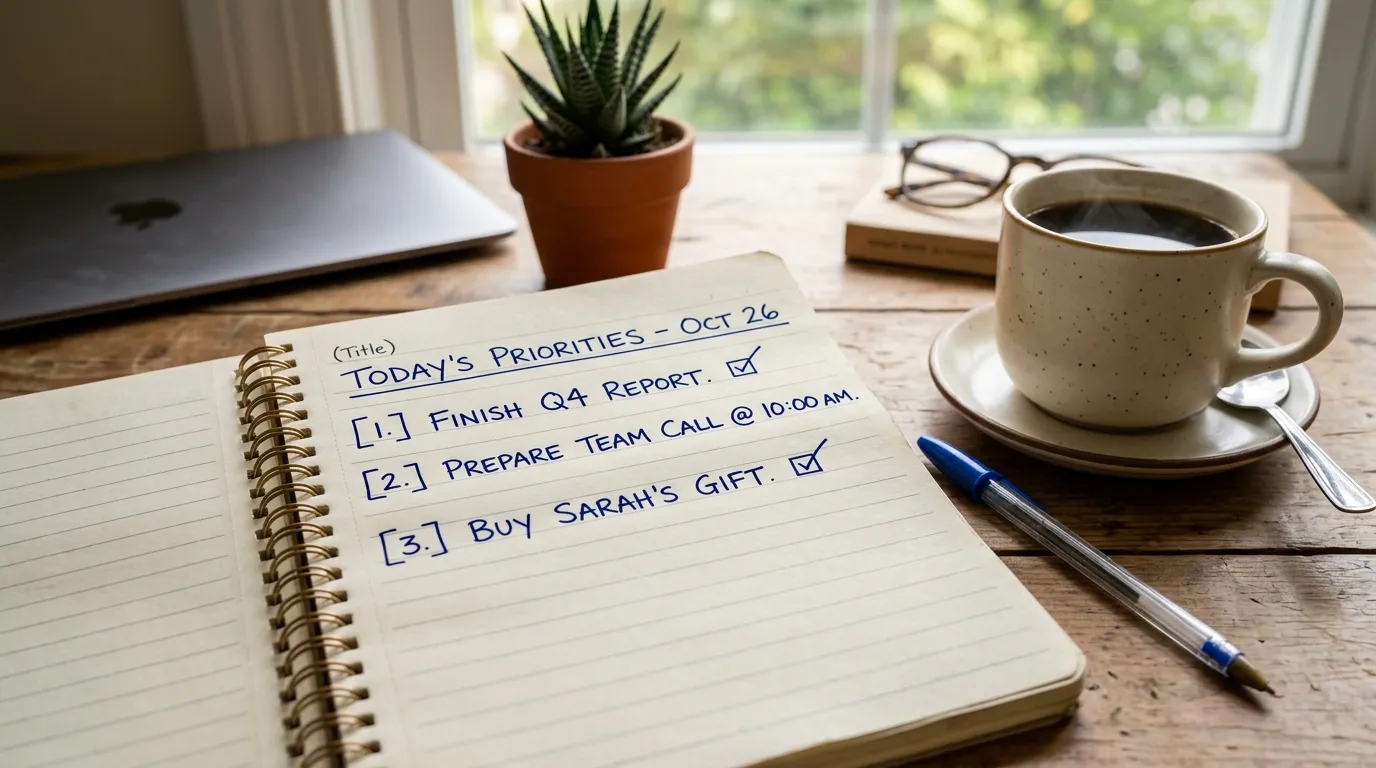
Write unfinished items into tomorrow’s list or a trusted inbox. Do not keep them in your head. Do not keep them as seventeen browser tabs labeled by guilt. Capture is the first act of shutdown because memory is a terrible project manager after 6 p.m.
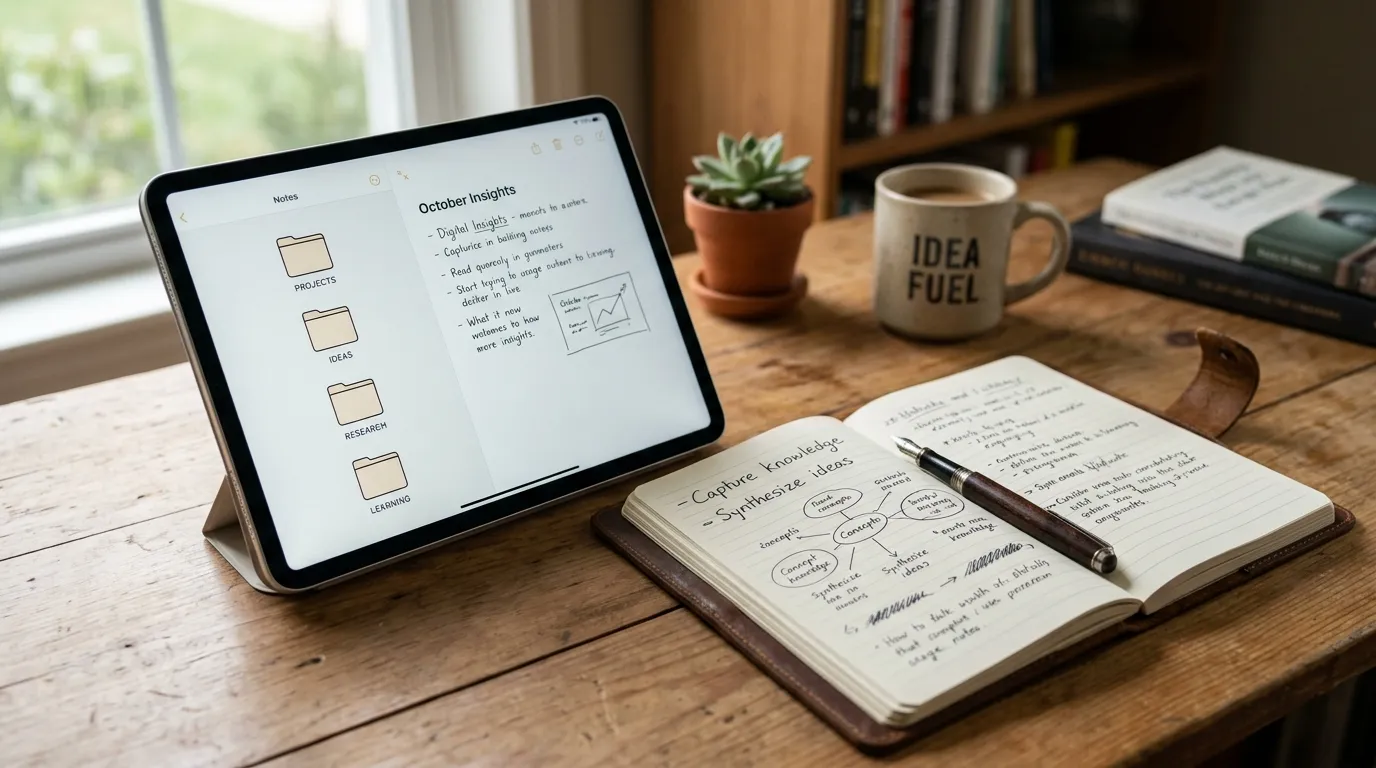
Use one capture place. Options that work: a task app inbox, a paper notebook, a running “Open loops” note. The tool matters less than the rule that everything unfinished goes there before you quit. If you use multiple systems, pick a single evening inbox and sort in the morning.
Scan for hidden leftovers: messages you meant to send, approvals waiting on you, a bill you remembered in the shower, a commitment you made verbally. Ask, “What would bother me at 11 p.m. if I forgot it?” Write that first.
Keep capture mechanical. This is not the time to redesign your life. Titles and next actions beat essays. “Email Sam draft v2” is enough. “Think about career” is not—yet. Convert fuzzy worries into a next physical step or park them on a someday list so they stop posing as tonight’s emergency.
A two-minute capture sweep
- Look at your calendar for tomorrow and note prep items.
- Check sticky notes and desktop files named “draft” or “temp.”
- Glance at pinned chats for promises you made.
- Empty your head onto the list for ninety seconds without editing.
When capture ends, say a cue phrase if it helps—“Shutdown started” or “Parked for tomorrow.” Cues sound small. They mark a state change your brain can learn.
2. Close tabs with intention
Bookmark what matters and close the rest. Tab hoarding is postponed decision-making. Each tab whispers that you might still work. Closing them is a boundary wearing a browser costume.
Sort quickly into three buckets:
- Need tomorrow — bookmark to a “Tomorrow” folder or pin in your task note.
- Need someday — save to reading list or bookmarks; remove from the live session.
- Need never — close without ceremony.
If you fear losing something, your bookmarking system is undertrained, not your tab bar. Spend one evening creating a simple folder structure: Tomorrow, This Week, Reference, Read Later. Then trust it. The shutdown gets faster every week you practice.
Close work apps you do not need overnight. Slack, work email, project trackers—quit them. Leaving them open invites one more peek. If your job requires true on-call access, keep only the on-call channel available and shut the rest. Specificity prevents the “I might be needed” fog from covering every app.
Desktop cleanup can be light: move stray downloads into a dated folder, put active files in one “Current” place. Perfection is optional. A surface that looks finished helps your brain believe the day is finished.
3. Set tomorrow’s Big Three
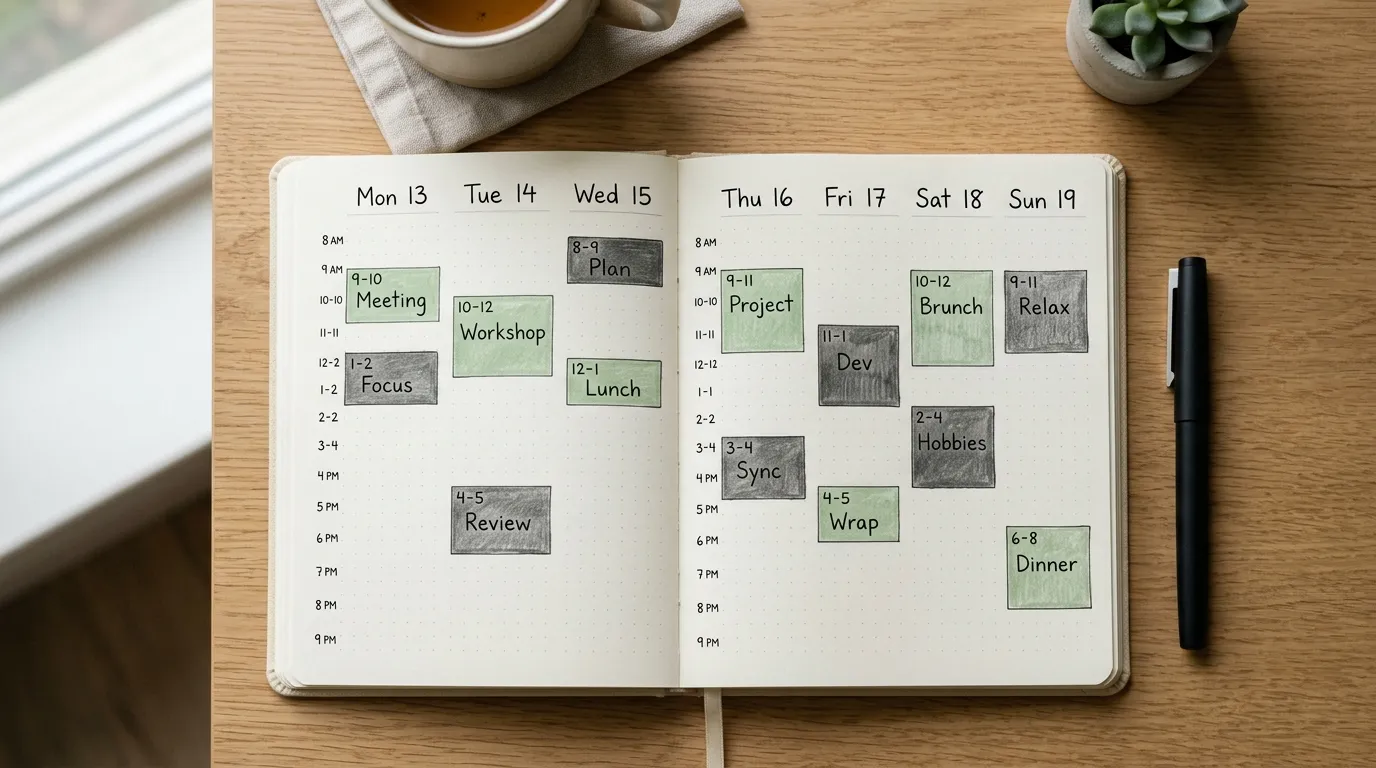
Decide priorities at night when pressure is lower. Morning-you meets a full inbox and other people’s urgency. Night-you can still hear your own goals. Choose up to three outcomes that would make tomorrow a success even if nothing else went well.
Write them where morning-you will see them first: top of a notebook page, calendar event at 8:00, sticky on the laptop. Tie each to a first action when possible. “Finish budget” is heavy. “Draft budget numbers for section two” starts clean.
Protect the Big Three from fantasy planning. If your calendar is already meeting-dense, pick priorities that fit reality or reclaim a block. A shutdown that pretends you have six free hours when you have forty-five minutes creates morning shame. Honest plans create momentum.
Optionally add a “not today” line: one tempting task you will not touch tomorrow. That small exclusion prevents stealth scope creep. Ambition needs edges.
- Big Three aligned with calendar reality.
- First next action under each item.
- One optional admin batch so errands do not invade deep work.
- A start-up cue for morning: which task begins first.
This is where evening and morning routines connect. Night chooses; morning executes. If you want that handoff to feel automatic, build complementary habits with a morning routine that sticks.
4. Create a screen buffer
Keep the last 30 minutes before sleep free of work email and urgent chat. The buffer is not anti-technology purity. It is a landing strip. Bright, novel, work-related input tells your brain the day is still on. You need a slope into rest, not a cliff of “one more message.”
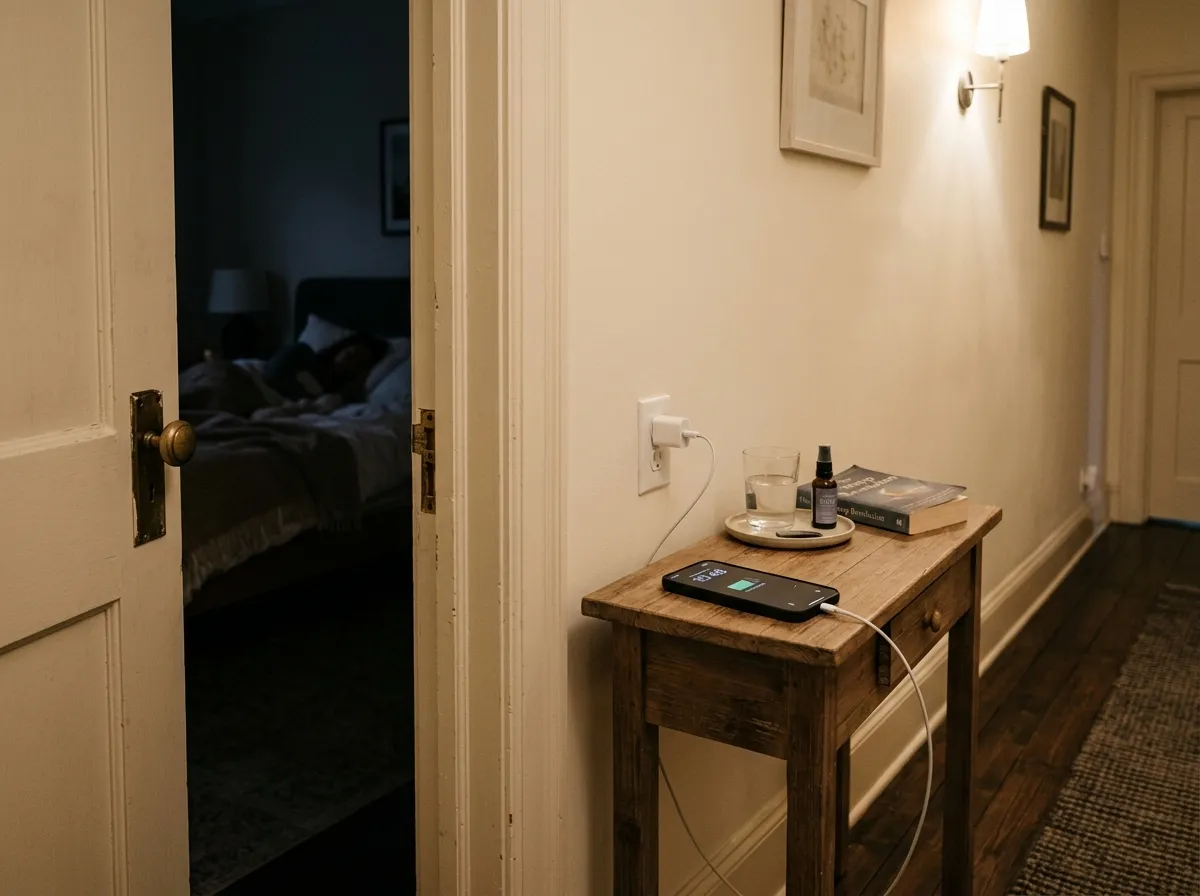
Define the buffer in clock time or in sequence. Clock time: no work screens after 10:00. Sequence: after shutdown checklist, phone charges outside the bedroom. Choose the version you will keep when tired. Sequence rules often survive better than ambitious clock rules.
Replace the urge to scroll with a low-friction wind-down: stretch, shower, paper reading, light tidy, prepare clothes, pack bag, tea. The replacement matters. Empty time invites the feed back in. For practical, non-extreme boundaries with phones and apps, use ideas from screen time limits that are not extreme.
If you share a home, announce the buffer casually: “I’m off work screens now.” Social accountability helps, and it also teaches kids or partners when you are truly available versus half-present with a laptop.
What counts as breaking the buffer
Work email, Slack, analytics, “quick” document edits, and news that spikes adrenaline. What usually does not: a Kindle chapter, a calendar glance for tomorrow’s first location, a photo to a family chat. Use judgment. The spirit is no new work loops.
If an emergency truly needs you, handle it, then do a mini-shutdown: capture the leftover, rewrite tomorrow’s first action, restart the buffer. Do not let one interruption erase the whole ritual for the night.
A practical shutdown checklist (10–20 minutes)
Use this as a default script. Shrink it on brutal days; expand it when you have room.
- Capture open loops into one inbox.
- Check tomorrow’s calendar for surprises and prep.
- Write Big Three and first actions.
- Bookmark and close extra tabs; quit work apps.
- Set an out-of-office or status if needed.
- Put phone on charge away from the pillow.
- Start the screen buffer activity you chose.
Same shutdown checklist every night. Sameness is a feature. When steps are identical, you spend no energy inventing a routine while depleted. Print it or keep it as a pinned note until muscle memory takes over.
Shutdown for different lives
Parents and caregivers. Run a micro-shutdown during the first quiet pocket, even if it is 9:40 p.m. Capture and Big Three matter more than a beautiful buffer. Protect whatever buffer you can; fifteen minutes still helps.
Managers. Add a “people loop” scan: any teammate waiting on you? Park responses as drafted notes or scheduled sends for morning. Do not restart full work mode unless truly urgent.
Students. Close study tabs, write the next study block’s starting problem, and keep the buffer free of “just one more video.” Learning consolidates during sleep; cramming past exhaustion often backfires.
Creatives and makers. Leave a breadcrumb in the project file: last thought, next stroke, next sentence. Creative re-entry gets easier, and your brain stops hunting for the lost thread at midnight.
On-call roles. Separate emergency access from recreational or optional work screens. Explicit tools for alerts; everything else shut. Clarity reduces false urgency.
Troubleshooting common shutdown failures
“I keep peeking at email.” Log out. Remove the app from your phone’s home screen. Use a website blocker after a set hour. Make peeking inconvenient enough that it stops being casual.
“My list becomes a novel.” Capture with a timer. Two minutes. Overflow goes to a weekly review, not tonight.
“I skip it when I’m tired.” Create a three-step emergency shutdown: capture three leftovers, write one priority, close laptop. Ultra-short still counts.
“Family life explodes at 6 p.m.” Split the ritual. Micro-capture when you leave the desk; Big Three after kids sleep. Boundaries can be modular.
“I feel guilty stopping.” Guilt often signals unclear expectations. Shutdown is how you become reliable tomorrow. Unending evenings usually reduce quality, not heroism.
How shutdown improves sleep and next-day focus
Sleep loves predictability and low cognitive load. When tasks are written and tomorrow is sketched, the mind has less reason to pull an overnight shift. You may still wake sometimes. You will return to sleep faster when you trust the list.
Focus loves clean starts. Morning-you opens a machine that already knows the first move. That reduces the expensive dawn negotiation with distractions. Over weeks, the compound effect is obvious: fewer bleary replans, more finished Big Three days.
Track simply for two weeks: time you began shutdown, whether you kept the buffer, sleep quality rough score, and whether you started the first priority before email. Patterns will tell you which step earns its minutes.
Make shutdown survive travel and crunch weeks
Travel and deadlines are when routines usually die. Pack a pocket version in advance: capture three leftovers, write one priority, close the laptop, charge the phone away from the pillow. That four-step sequence still closes loops when hotels, flights, and late deploys destroy the full checklist.
On crunch weeks, shrink the buffer rather than deleting it. Even ten minutes without work screens before sleep reduces the chance that the last input of the day is an angry email. Keep bookmarks for tomorrow so tab forests do not follow you across time zones. If you miss a night, restart the next evening without a make-up ritual. Consistency over months beats perfection over three days.
- Pocket shutdown: capture, one priority, close laptop, phone away.
- Keep a travel note template with Big Three blanks.
- Prefer shorter buffers over zero buffers during crunch.
- Restart after misses; do not stack guilt onto fatigue.
Quick tip
Same shutdown checklist every night. Print it. Follow it when you do not feel like it. Mood follows motion more often than the reverse at the end of a long day.
Shutdown for shared homes and different bedtimes
Not every household sleeps on the same clock. If one person works late and another sleeps early, run a personal shutdown even when the house is still noisy. Headphones, a closed laptop lid, and a phone on charge in the kitchen can mark your off-switch while life continues in the next room. Announce the cue once: “I’m in shutdown.” That sentence prevents accidental work pings from roommates who thought you were still available.
Parents can adapt the capture step to include kid logistics for tomorrow: permission slips, library books, snack plan. Write those beside the Big Three so morning-you is not reinventing the school run. Keep the emotional tone boring. Shutdown is logistics, not a second parenting seminar at 10 p.m.
If you share a desk, leave the surface staged for morning. A cleared keyboard area and a sticky with the first task is a gift to both of you. Chaos on a shared desk becomes communal anxiety. Order on a shared desk becomes communal calm.
FAQ
How long does this take? Most people can run a solid shutdown in 10–20 minutes. A minimal version fits in five. Refine the checklist over a week until it matches your real evenings.
Do I need special tools? No. A notebook and calendar defaults beat complicated night stacks you abandon. Optional: app timers and chargers outside the bedroom.
What if my job never really ends? Define an operational end for non-emergency work. On-call can exist without leaving every app open. Precision is kinder than always-on vagueness.
Can I shut down earlier than bedtime? Yes. Many people shut down after work and enjoy a fully off evening. The buffer then becomes a longer stretch. Keep a tiny re-check only if true emergencies are possible.
Should couples sync shutdowns? When possible. Shared screen buffers reduce friction. Even mismatched schedules benefit from a clear “I’m off work mode” signal.
Related: Morning Routine That Sticks · Screen Time Limits (Not Extreme)