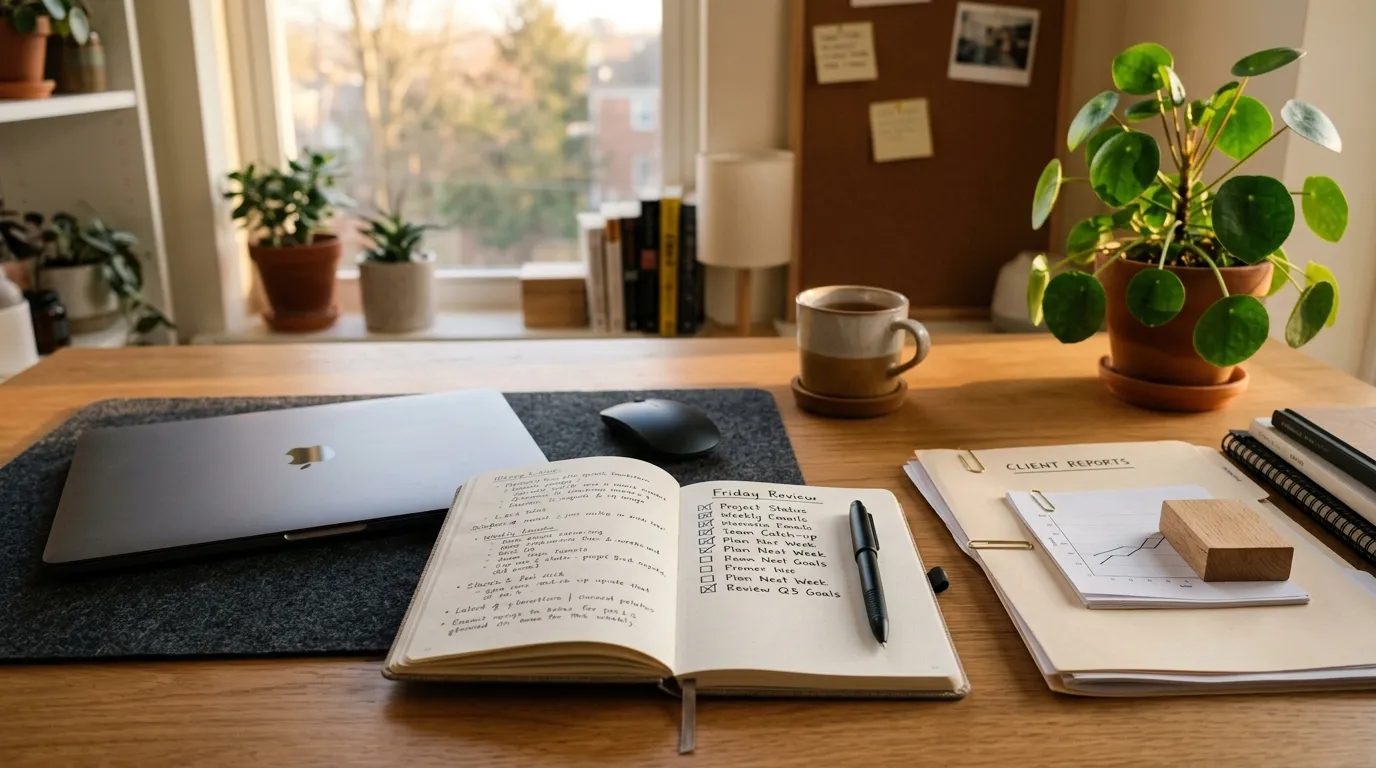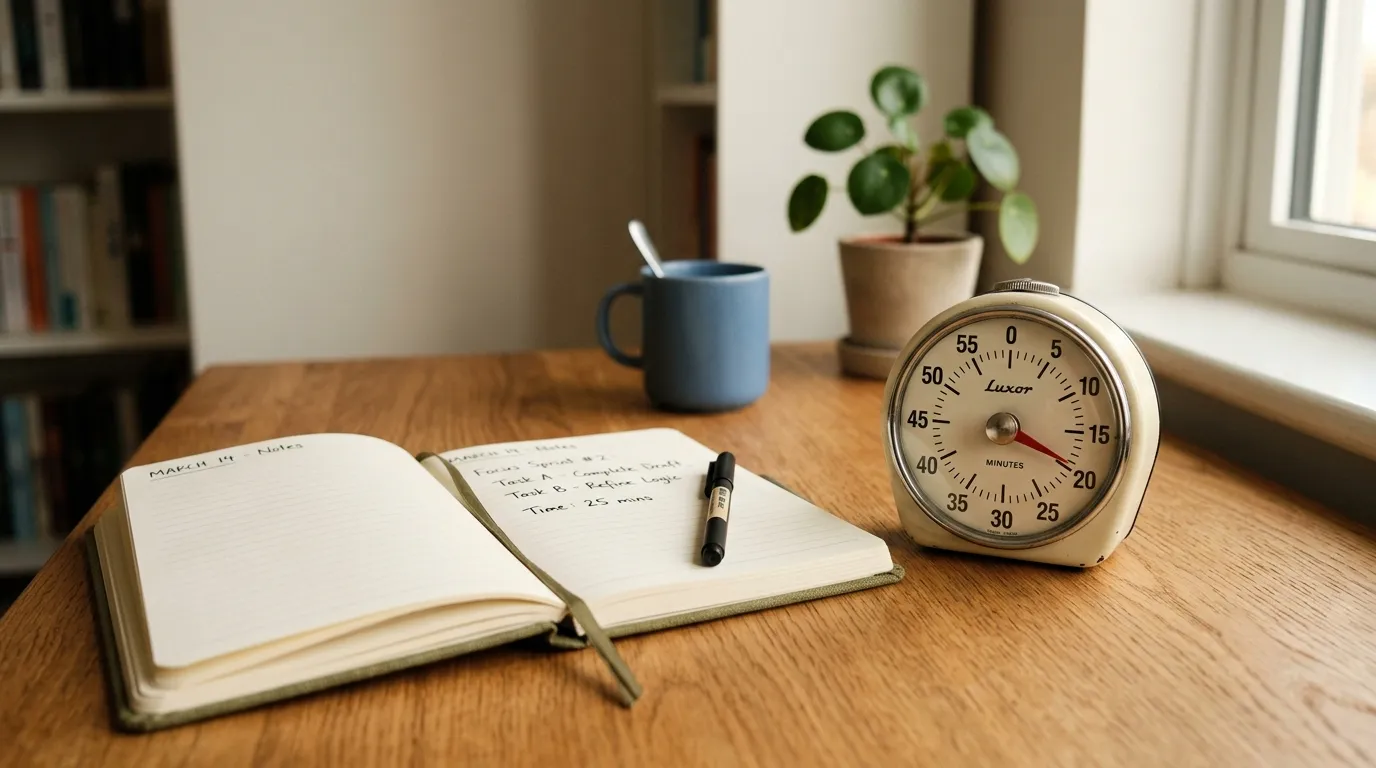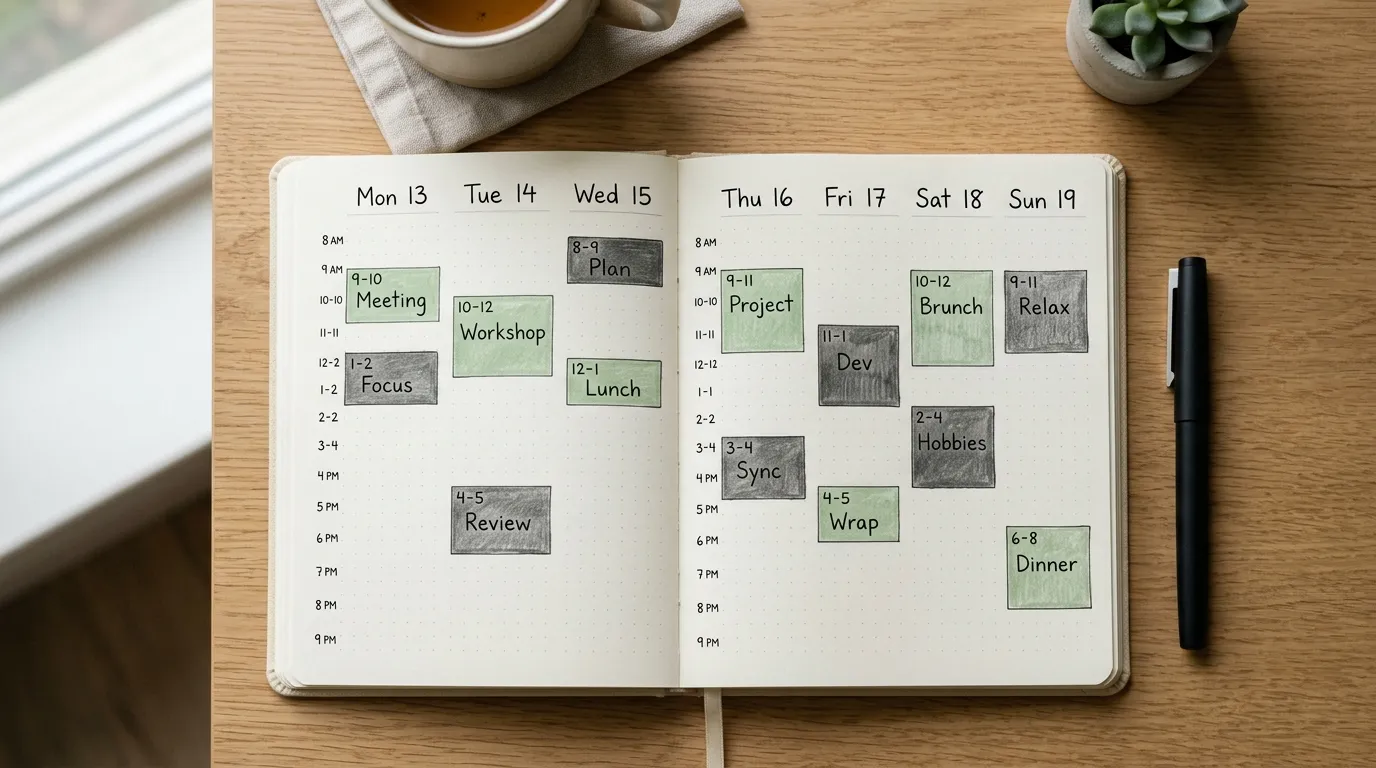
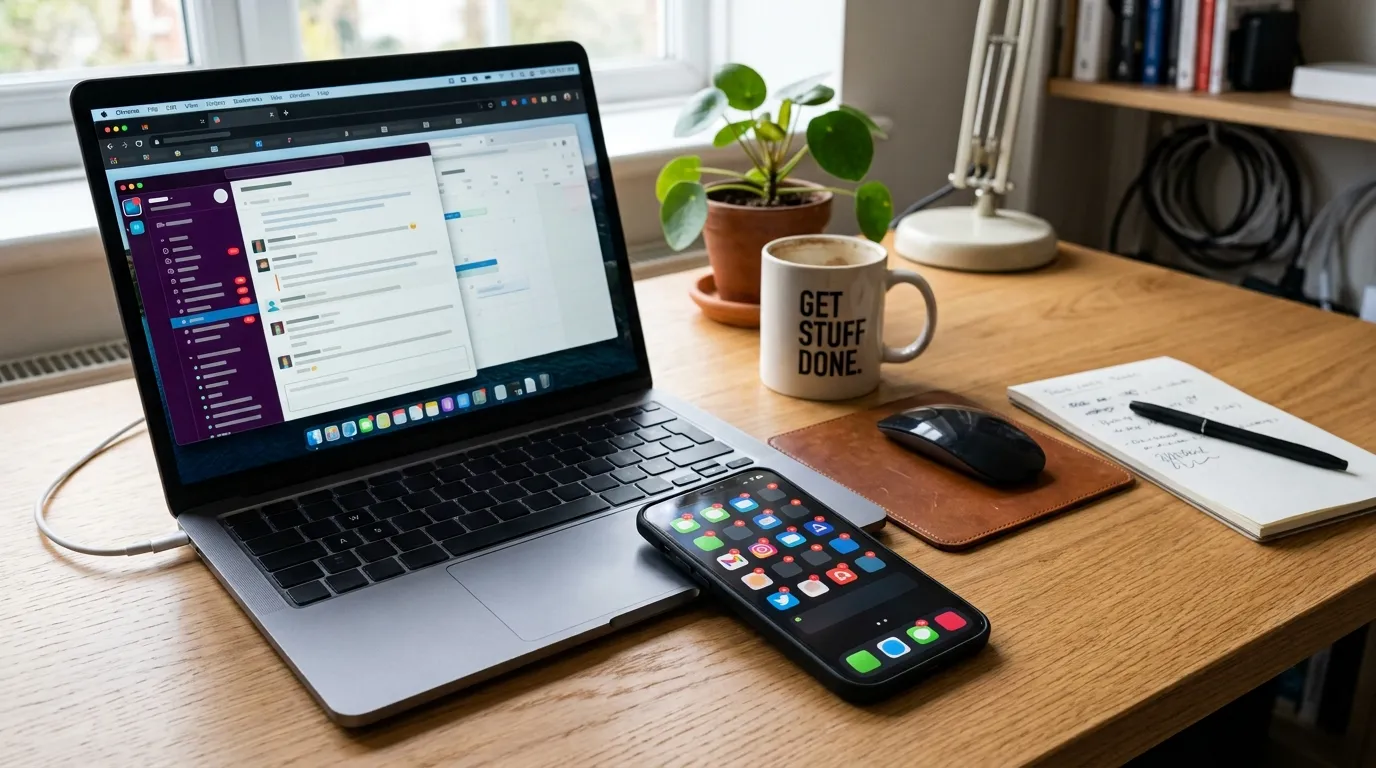
Most people try to “focus harder” while leaving the thieves of attention untouched. The phone stays loud. Chat stays open. Email refreshes in the corner. Browser tabs multiply like unpaid bills. Willpower then fails in a fight it was never designed to win.
A distraction audit flips the order. Instead of blaming yourself, you measure what actually interrupts you for one ordinary day. Patterns appear fast: the same three apps, the same hallway chat, the same “quick check” that costs twenty minutes. Once you see the list, you can change the environment instead of lecturing your future self.
All U Want keeps this practical. You need a log, a ranking, a few environment changes, and a parking-lot note for urges. You do not need a productivity identity or a perfect week. One honest day of observation beats a month of vague resolutions. Pair what you learn with a notification diet and with habits from how to focus better at work so the audit turns into lasting defaults.
What a distraction audit is (and is not)
A distraction audit is a short research project on your own attention. You collect interruptions as they happen, then you decide which ones deserve redesign. It is not a guilt journal. It is not a demand to become unreachable. It is a map.
Attention thieves come in layers. Some are external: notifications, meetings, coworkers, family, noise. Some are internal: boredom, anxiety, the itch to check something when a task gets hard. Some are structural: too many tools, unclear priorities, open office chaos. A good audit captures all three without overcomplicating the log.
- External: pings, calls, walk-ups, calendar pop-ups.
- Internal: tab hopping, snack breaks that start as “just a second,” rumination loops.
- Structural: unclear next actions, noisy channels, always-on chat culture.
The goal is not zero distraction. Life is interruptible. The goal is fewer high-cost interruptions during the hours you reserved for deep work, plus faster recovery when something must break through.
1. Log interruptions for one day
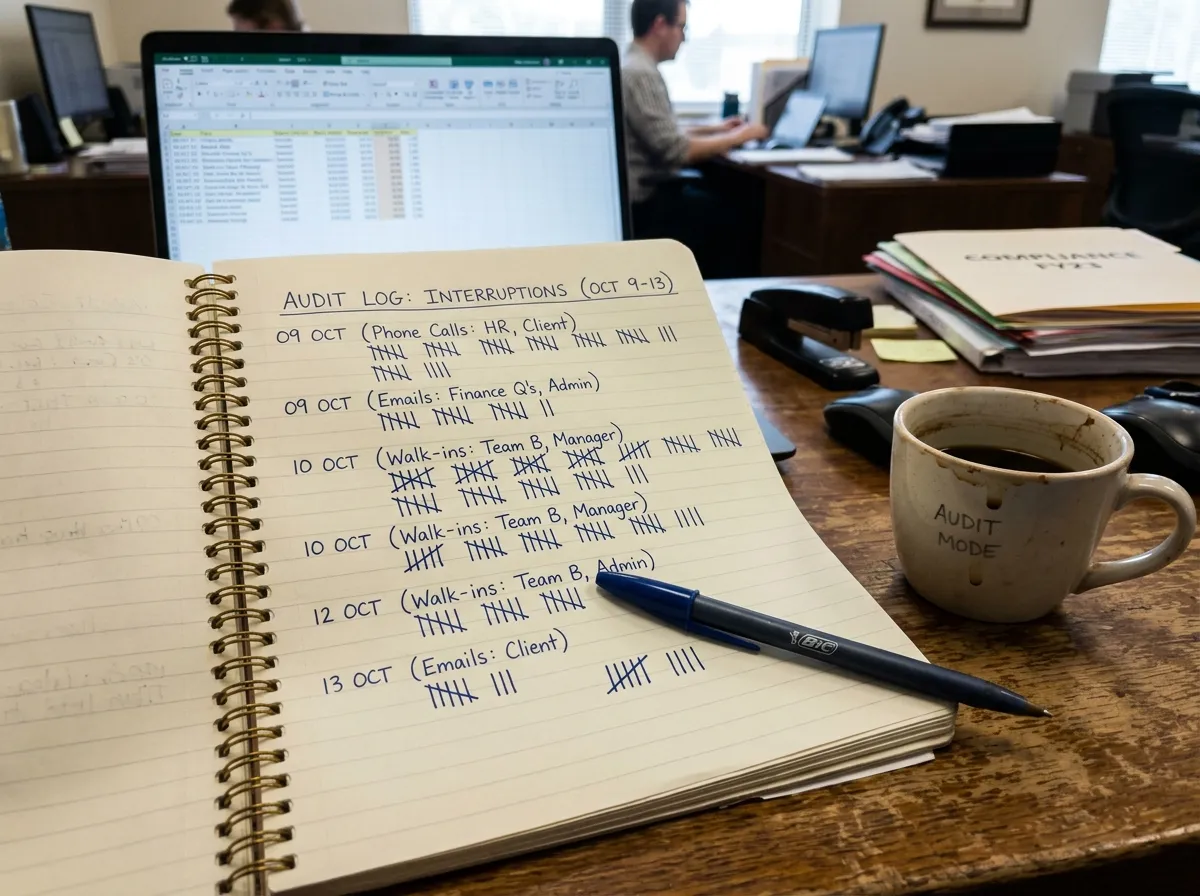
Pick a normal workday, not a vacation day and not your most chaotic launch day if you can help it. You want a representative sample. Keep a simple log within arm’s reach: a paper sticky pad, a notes app, or a spreadsheet with four columns.
Suggested columns:
- Time — when it happened.
- Source — app, person, thought, noise.
- Trigger — ping, curiosity, boredom, request.
- Minutes lost — rough estimate including recovery.
Mark every ping, tab switch, and side chat. Do not negotiate with yourself about whether it “counts.” If it pulled you off the task, it counts. Include self-started distractions. Those are often the most expensive because nobody else sees them.
Keep the bar for logging low. A single word is enough: “Slack,” “news,” “Mom called,” “opened analytics again.” Fancy categorization can wait until the evening review. During the day, speed matters more than elegance. If logging feels heavy, you will stop logging, and the audit dies.
How to log without becoming the distraction
Use a one-tap capture method. On phones, a widget or pinned note works. On desktops, a hotkey into a running note. Paper wins for many people because it does not open the same device that tempts you.
Batch your logging if needed: every hour, spend sixty seconds writing what pulled you away. Pure real-time capture is ideal, but hourly recall still beats no data. Set a gentle hourly chime solely for the audit day so you remember to record.
Tell collaborators you are doing a focus experiment if walk-ups are constant. A simple status—“Heads down until 11; ping for blockers only”—reduces some noise while you measure the rest. You are not hiding. You are sampling.
2. Rank by frequency and cost
At day’s end, tally the log. Count how often each source appears, then estimate total minutes lost. Fix the interruptions that cost the most minutes, not the ones that annoy you the most emotionally. Annoyance and cost are different. A rare loud interruption can matter less than a quiet habit that fires thirty times.
Create three piles:
- High frequency, high cost — redesign first (often chat and phone).
- Low frequency, high cost — schedule or contain (long meetings, deep emergencies).
- High frequency, low cost — batch or mute (minor badges, harmless ambient noise).
Be honest about recovery time. A ten-second glance at email can cost ten minutes of reorientation on analytical work. If you do creative or technical tasks, multiply short glances by a recovery factor. That is where the audit becomes uncomfortable—and useful.
Look for clusters. Do distractions spike after lunch? After difficult tasks? Right before meetings? Clusters reveal triggers you can design around. For example, if you always flee to news when a document gets hard, the thief is not “news.” The thief is avoidance, and the fix includes a smaller next step plus a parking lot for urges.
Turn rankings into decisions
For each top thief, write one change you control. Examples:
- Mute a channel during focus blocks.
- Move social apps off the home screen.
- Close email except at two set windows.
- Wear headphones as a social signal.
- Ask a teammate to batch non-urgent questions.
Limit yourself to three changes after the first audit. A twelve-item improvement plan is a new distraction. Ship a few fixes, live with them for a week, then audit again.
3. Change the environment
Mute channels and block distracting sites during focus. Environment design beats motivational speeches. If the tempting thing is one click away, you will click it on your weakest minute of the day. Make the right action easier and the wrong action slightly harder.
Start with notifications. Most apps default to loud. Almost none need to be. Keep alerts for true humans who can unblock or endanger work: key clients, family emergencies, on-call systems. Everything else can wait for a manual open. A notification diet pairs naturally with this step.
Next, reshape the desktop. One browser profile for deep work with almost no bookmarks to rabbit holes. Another profile for admin and browsing. Full-screen the document you are writing. Hide the dock if icons pull your eye. Put your phone in another room or in a drawer for the first focus block of the day.
For sites that steal time, use blockers during scheduled focus windows rather than forever. Forever bans invite rebellion. Timed friction teaches a rhythm: work first, browse later. The same idea applies to chat status. “Focusing — back at 10:30” sets expectations without requiring a personality transplant.
- Turn off badge counts on mail and social apps.
- Disable lock-screen previews that pull you into loops.
- Unsubscribe or mute noisy group threads you never act on.
- Keep water and needed files nearby so errands do not become wanderings.
If you share space, negotiate visible cues. Headphones on means not now unless urgent. A small desk sign can feel silly and still work. Culture change starts with clear signals, not silent resentment.
4. Use a parking lot note
Capture urges so you can return to the task. Many distractions begin as a legitimate thought: buy milk, email Jamal, check that metric, rewrite the headline later. If the thought has nowhere to go, it hijacks the current task. A parking lot gives it a seat without giving it the wheel.
Keep one running note titled “Later” or “Parking lot.” When an urge appears, write a short line and return to work within five seconds. Do not process the list mid-block. Processing is a different mode. During focus, capture only.
At the next break, skim the parking lot. Delete junk. Turn real items into tasks or calendar entries. This closes loops so your brain trusts the system. Without that trust, the brain keeps interrupting you because it thinks everything will be forgotten.
For sticky internal distractions—worry, anger, excitement—add a second lane: a “mind dump” paragraph at the start of a break. Two minutes of writing often lowers the volume enough to resume. You are not pretending feelings do not exist. You are scheduling when they get airtime.
Parking lot rules that keep it useful
- One inbox for urges, not five sticky notes across apps.
- No links rabbit holes while capturing; titles only.
- Clear the lot at least once daily.
- If an item scares you, schedule a concrete next step instead of rereading it forever.
A one-day audit schedule you can copy
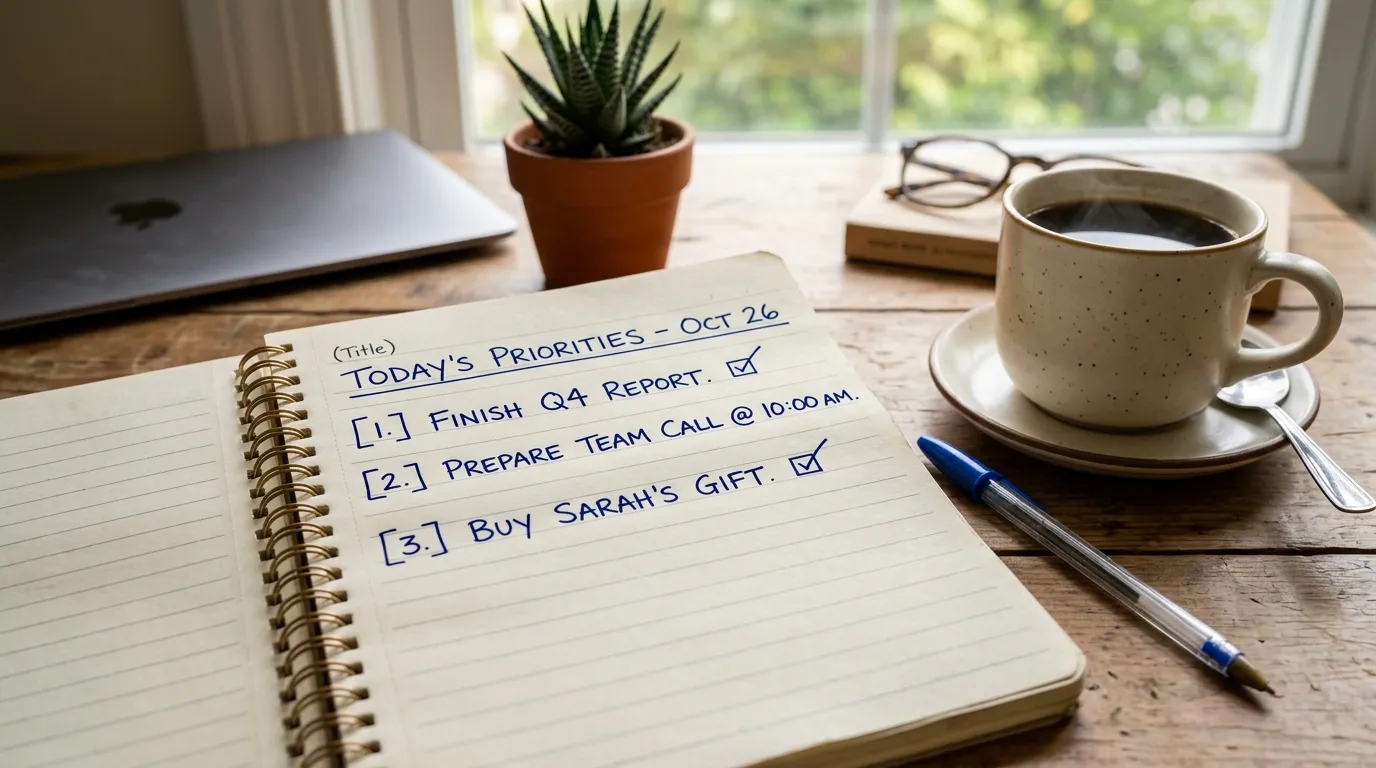
Morning setup (10 minutes). Choose the day’s main focus blocks. Open your log. Silence nonessential notifications. Write your Big Three so you know what “on task” means.
During work. Log interruptions as they happen. Use the parking lot for urges. Do not optimize midstream. Observation first.
Midday skim (5 minutes). Notice early patterns. If one app is already dominating, mute it for the afternoon as a live experiment.
End-of-day review (20 minutes). Rank thieves. Pick three environment changes. Schedule them on tomorrow’s calendar so they actually occur.
Follow-up (one week later). Run a lighter audit for half a day. Compare minutes lost. Keep what worked. Drop what was theater.
Repeat the audit monthly. Attention systems drift. New apps appear. Projects change. A monthly check prevents silent relapse into all-day reactivity.
Special cases: remote, office, and mixed days
Remote days often hide digital overload: endless tabs, ambient home noise, blurry work-life borders. Audit browser switches and kitchen wanderings with the same seriousness as Slack pings. Put a shutdown cue at day’s end so work does not leak forever.
Office days often hide social overload: friendly interruptions that feel good and still shatter concentration. Log them kindly. Then redesign access: office hours, headphone norms, booked focus rooms, walking meetings for chatty topics that do not need a screen.
Mixed or hybrid weeks deserve two mini-audits. Thieves differ by location. Fixes should differ too. A phone-in-drawer rule may matter at home more than at the office, while calendar buffering may matter more on campus days.
From audit to better focus habits
An audit without follow-through is just a sad spreadsheet. Convert findings into defaults. If chat is the top thief, set two response windows and mute otherwise. If email is the top thief, batch it. If self-interruption is the top thief, shrink task size and use the parking lot aggressively.
Deep-work skill still matters. Environment removes friction; skill uses the quiet. Practice ending a focus block with a written “next action” so restarting later is easy. That restart line reduces the urge to flee into distraction when you reopen a hard file. For more on building that muscle, see how to focus better at work.
Share anonymized patterns with your team if culture allows. “We lose eight hours a week to unthreaded @channel noise” is a better conversation starter than “people need more discipline.” Systems scale. Scolding does not.
A 30-day attention reset after the first audit
Week one is measurement and three environment changes. Week two is enforcement: protect two daily focus blocks and keep the parking lot honest. Week three is social redesign—office hours, clearer chat norms, fewer @channel blasts. Week four is a lighter re-audit and a written “attention defaults” note you can revisit monthly.
Expect imperfect days. The audit is not a purity test. It is a feedback loop. When a new app or project arrives, log for half a day again instead of guessing. Attention thieves evolve; your map should evolve with them. Keep changes boring and durable: mutes, batches, parking lots, and status lines beat dramatic digital detox weekends you abandon by Tuesday.
- Week 1: log, rank, change three defaults.
- Week 2: defend focus blocks and response windows.
- Week 3: negotiate team or household norms.
- Week 4: re-measure and write lasting rules.
Quick tip
Repeat the audit monthly. Treat it like a financial check-in for attention. Small drifts are easy to correct. Month-long blind spots become expensive lifestyles.
Household and hybrid-work audits
Distraction at home includes people you love. A partner’s “quick question,” a child’s show audio, a roommate’s video call in the hallway: these are real attention costs. Log them without blame. Then redesign the environment: a closed door signal, a shared quiet hour, headphones as a visible cue, or a whiteboard for non-urgent asks. The audit gives you data for a kind conversation instead of a vague complaint that “nobody lets me focus.”
Hybrid workers should sample both an office day and a home day. Thieves differ by location. Office days skew toward walk-ups and meetings. Home days skew toward chores, deliveries, and self-interruption. Your fixes should match the map you actually drew, not a generic productivity article about open offices.
After you change three defaults, wait a week, then log a half-day again. If a thief disappeared and a new one rose, celebrate the swap. Attention work is iterative. The goal is a shorter list of high-cost interruptions, not a fantasy of unbroken silence in a connected life.
FAQ
How long does this take? Logging runs in the background of one normal day. The evening ranking and plan usually fit in under an hour. Refinements continue over the following week as you test environment changes.
Do I need special tools? No. Paper, a basic notes app, or a simple spreadsheet beat complicated trackers you abandon. The insight comes from honesty, not software.
What if my job is interrupt-driven? Audit anyway. Even support and ops roles have higher-value and lower-value interruptions. You can still batch the low-value ones and create short protected pockets for documentation or improvement work.
Should I tell my manager? If interruptions are structural, yes—bring counts and a proposal. Managers can change norms that individuals cannot. Frame it as throughput, not preference.
What if I forget to log? Hourly recall still helps. A partial audit beats a perfect plan you never run. Try again on the next typical day.
Related: Notification Diet · How to Focus Better at Work