
Digital minimalism is intentional tech use. It is not a contest to own the oldest phone or delete every account by Monday. It is a deliberate decision about which tools deserve a place in your day and which ones only borrow attention. A weekend sprint can reset defaults without quitting the internet, quitting your job, or pretending you live in a cabin.
This starter plan is designed for one Saturday and Sunday. You will audit the tools you actually use, declutter phone and desktop surfaces, set focus and sleep rules, and choose one offline hobby that can receive the attention feeds usually take. On Monday you reintroduce only what earns its place. Most of what you remove will stay gone because the weekend made living without it feel normal.
All U Want treats digital minimalism as a life system, not an aesthetic. Clearer home screens and quieter evenings matter because they free time for work, rest, relationships, and hobbies you already care about.
What digital minimalism means here
In this guide, digital minimalism means:
- Fewer apps with ambiguous purpose
- Fewer notifications that interrupt for no human reason
- Clearer rules for when screens are welcome
- More attention spent on chosen activities
- Less guilt-driven all-or-nothing detox culture
It does not mean:
- Shame about enjoying movies, games, or group chats
- Abandoning tools that pay your rent
- A permanent ban on social media for every person
- Buying new gadgets to become “minimal”
If a tool helps you coordinate family, earn money, learn, or stay safely connected, it can stay. Minimalism asks whether the tool’s cost in attention is worth its benefit. That question is personal. The weekend simply creates space to answer it with evidence instead of vibes.
Before the weekend: a 20-minute setup

Friday evening, spend twenty minutes so Saturday starts clean.
- Block Saturday morning on your calendar as “Digital reset”
- Charge your phone and laptop
- Put a notebook and pen where you will sit
- Tell household members you will be less responsive for a few hours
- Write one sentence goal: “By Sunday night I want calmer defaults and one offline hobby queued.”
Optional but helpful: skim the digital declutter checklist so you are not inventing categories from scratch when the declutter block begins.
Saturday morning: audit tools you actually use
Open your phone and computer. Do not delete yet. Observe.
The use audit
In your notebook, make three columns: Keep, Maybe, Cut.
- Keep: tools you used on purpose in the last week for work, health, money, navigation, or real relationships
- Maybe: tools you opened out of habit, boredom, or vague “research”
- Cut: tools you forgot existed, duplicates, abandoned trials, and apps that reliably worsen your mood
Check screen time reports and browser history for honesty. Memory lies. Data is blunter. Star the Maybe apps that create the most friction. Those are your weekend experiments.
Account audit light pass
List logins you still need: email, banking, work, government, school, cloud storage. You are not closing every account this weekend. You are noticing cluttered identity surfaces: old shopping accounts, unused newsletters, apps that still have push access. Park a “Monday cancel/unsubscribe” list. Impulse account deletion during a manic reset often creates recovery headaches.
Values filter
Write three priorities for the next month. Examples: sleep better, finish a portfolio, cook at home, be more present with kids, ship a side project. Then ask which digital tools serve those priorities and which compete with them. Minimalism without values becomes random deletion. Values make Keep and Cut obvious.
Saturday midday: declutter phone and desktop
Now act on the audit with a timed declutter. Set a ninety-minute timer. Stop when it ends, even if unfinished. Momentum beats perfection.
Phone pass
- Delete or offload Cut apps
- Move Maybe apps into a folder named “Weekend trial” or remove them from the home screen
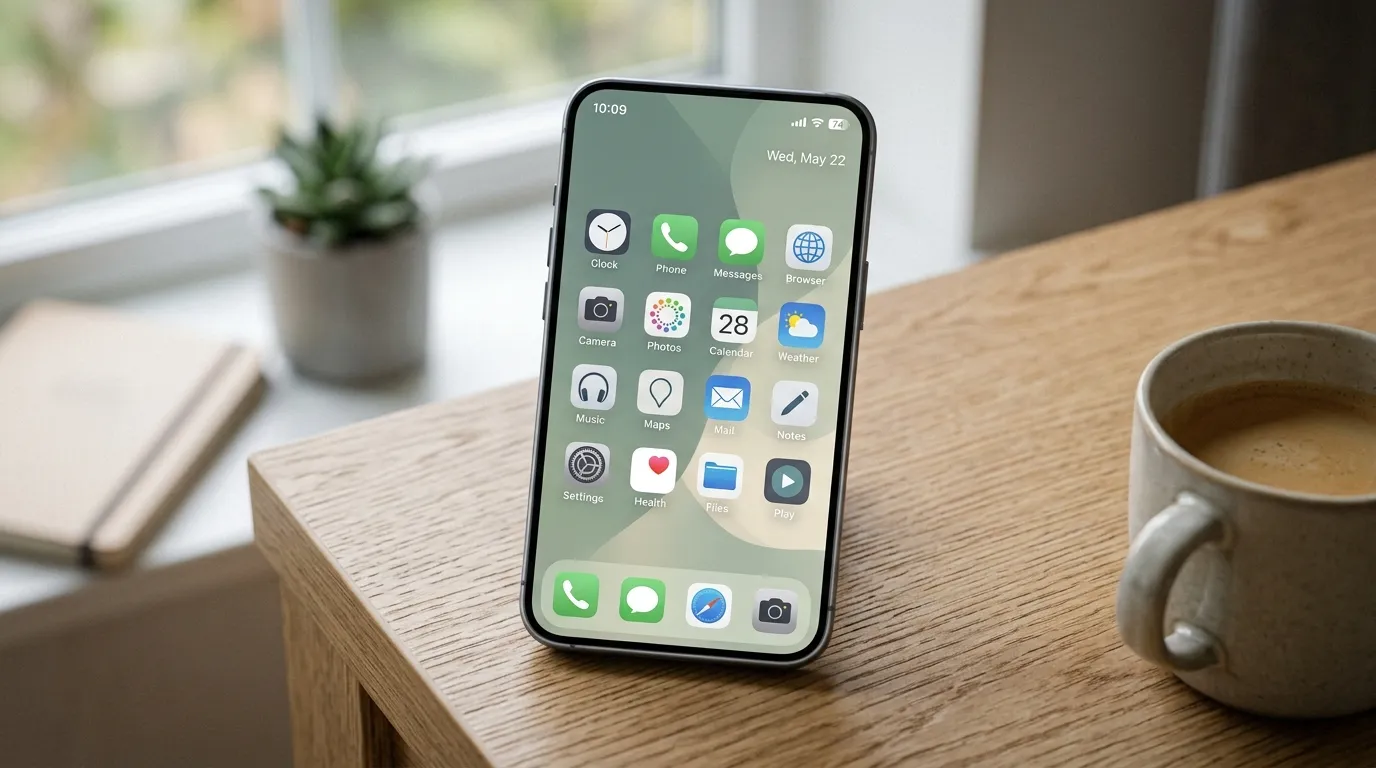
- Keep a first screen of essentials only: phone, messages, calendar, maps, camera, one work tool, one calm utility
- Turn off badges on social and shopping apps that remain
- Uninstall duplicates (two PDF readers, three notes apps, abandoned banks)
If uninstalling feels scary, log out and bury the app in a folder for seven days instead. Reintroduction rules later will decide its fate.
Computer pass
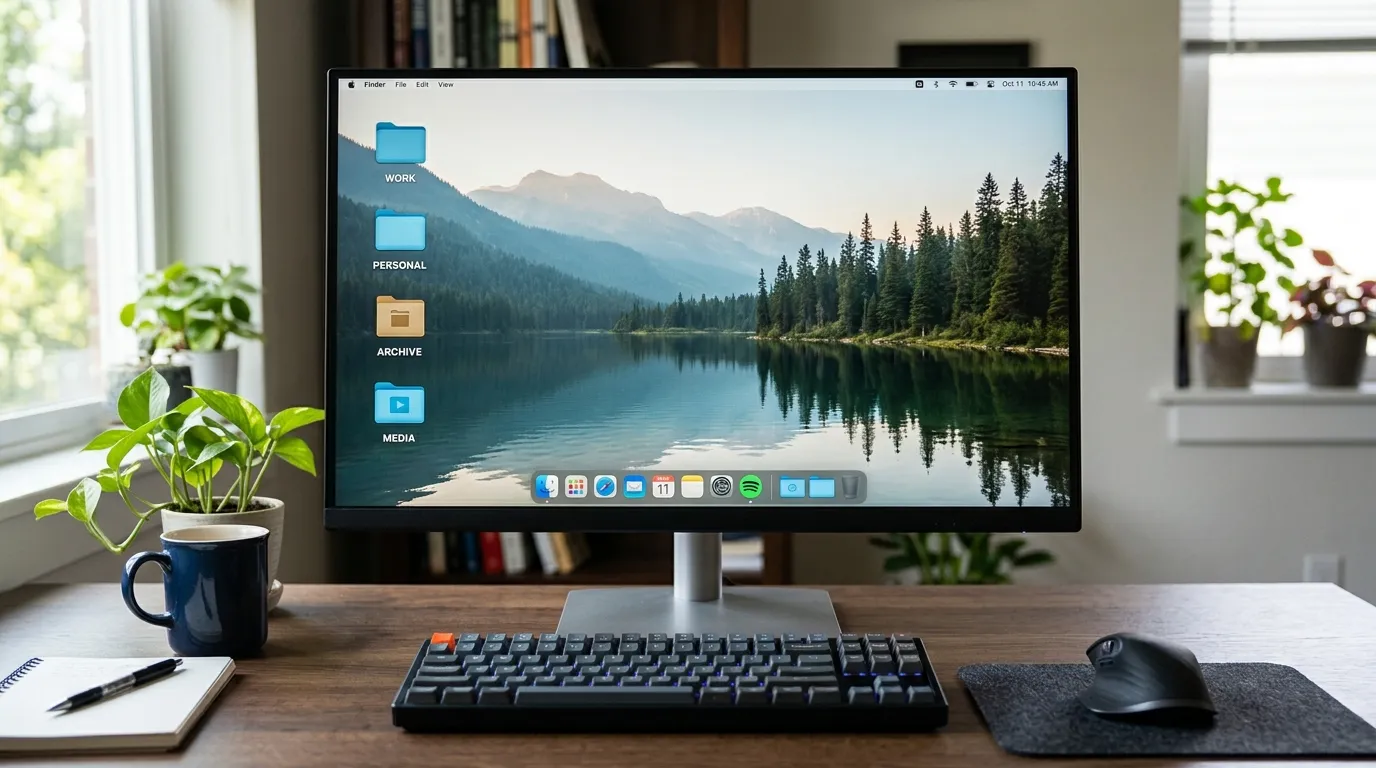
- Clear Desktop into a temporary folder called Desktop Inbox
- Dock or taskbar: keep only daily tools
- Browser: bookmark bar limited to true weekly destinations; move the rest into a bookmarks folder
- Close and quit apps that auto-open and create ambient noise
- Empty Downloads of obvious installers and duplicates after a quick scan
You are shaping surfaces, not completing a lifelong archive project. Deep file organization can continue later. This weekend needs visible calm.
Saturday afternoon: set focus and sleep rules
Declutter removes temptation. Rules protect the hours that matter.
Create two profiles or modes on your phone:
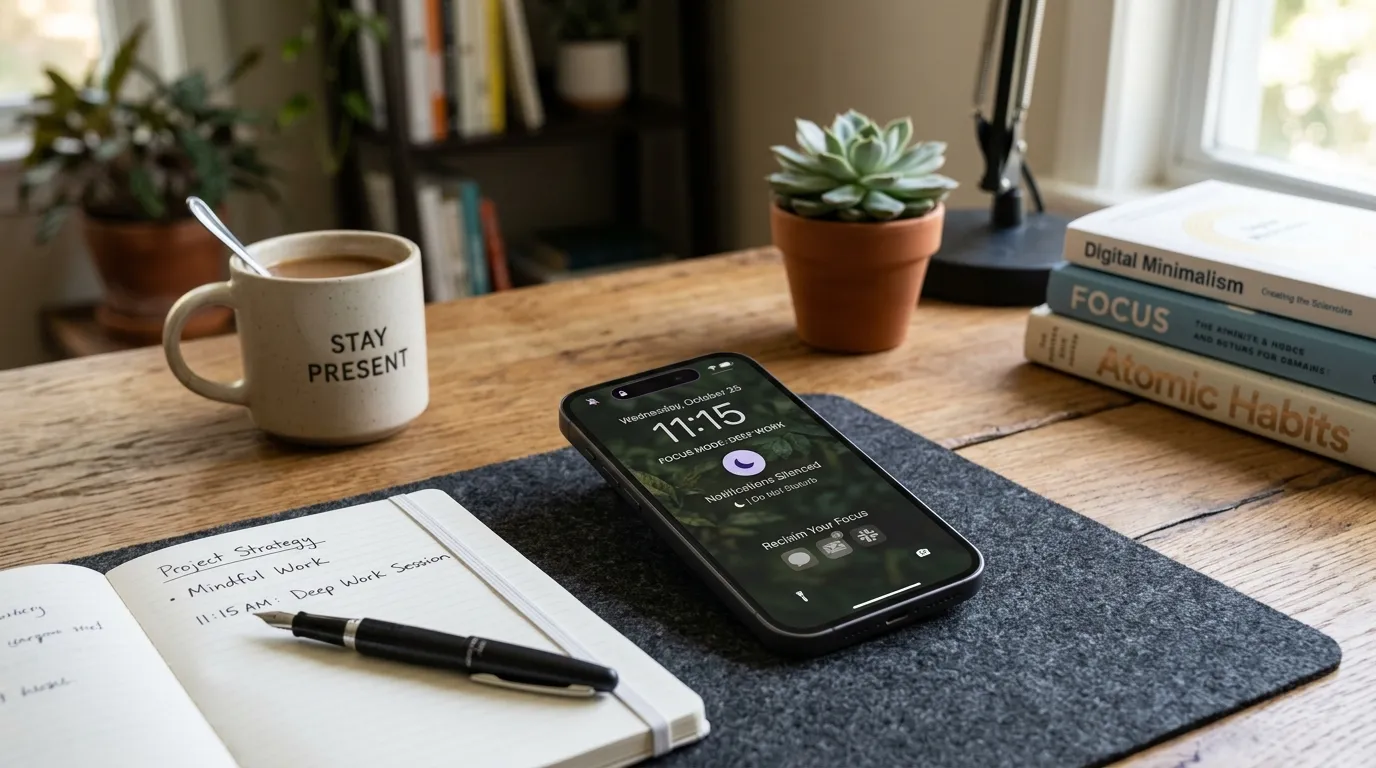
- Focus: allows work-necessary alerts and starred people; silences feeds and promos
- Sleep / Evening: blocks or limits stimulating apps in the last hour before bed
Then add gentle screen boundaries using the approach in screen time limits that don’t feel extreme. Do not invent harsh zero-tolerance bans during a weekend high of motivation. Those bans shatter on Tuesday. Prefer bedtime protection, one offender app limit, and charging outside the bedroom if feasible.
Also start a notification diet for the noisiest non-human alerts. Marketing pushes, game energy reminders, and “someone liked your photo” pings rarely deserve a sound. People you care about can stay audible.
Communication expectations
Update statuses where useful: “Slow replies this weekend, call if urgent.” Minimalism fails when other people interpret silence as conflict. A one-line expectation prevents repair work later.
Saturday evening: choose one deep offline hobby
Feeds hate vacuums. If you only subtract apps, boredom will reinstall them. Choose one offline hobby that can absorb thirty to sixty minutes this weekend and again next week.
Good starter hobbies for a digital reset:
- A book already on your shelf
- Cooking one slightly ambitious meal
- A walk route with no podcast for the first fifteen minutes
- Sketching, puzzles, music practice, gardening, stretching
- Analog planning with paper for the coming week
Pick one, not five. Prepare the materials tonight: place the book on the pillow, lay out running shoes, clear the kitchen counter. Friction decides whether the hobby happens when the urge to scroll appears.
Then spend at least thirty minutes on that hobby Saturday evening with your phone in another room. Notice the discomfort without treating it as an emergency. Discomfort is often withdrawal from intermittent rewards, not evidence that your life is empty.
Sunday morning: deepen the reset without drama
Sunday is for reinforcement and light maintenance, not a second purge that undoes Saturday’s calm.
- Review the Maybe list. Anything you did not miss can move to Cut.
- Unsubscribe from five email lists that create dread when they arrive.
- Clean the lock screen: remove widgets that invite taps into feeds.
- Write your default weekly rhythm: focus windows, evening shutdown, hobby appointment.
- Take a longer offline block: ninety minutes for the hobby, a social plan, or errands without headphones if that feels refreshing.
If guilt shows up (“I should delete everything”), pause. Minimalism that runs on shame recreates binge-restrict cycles. Ask whether the current defaults already support your three priorities. If yes, stop optimizing.
Sunday afternoon: define reintroduction rules for Monday
This is the most important part of the weekend. Without reintroduction rules, deleted apps return by whim.
Write rules like these:
- I will not reinstall a Cut app for seven days
- A Maybe app can return only if it serves a named priority and has muted notifications
- Social apps, if kept, live off the home screen and inside a time limit
- New apps require a 48-hour wait before install
- Each Sunday I review what earned its place
Also decide your “enough” criteria. Digital minimalism is finished for the week when your surfaces are calm, sleep rules are set, and one hobby has a next date. Endless tinkering is another form of digital fussing.
A full weekend schedule you can copy
Saturday
- 9:00–10:30: Use audit and values filter
- 10:30–12:00: Phone and desktop declutter sprint
- 12:00–13:00: Break, food, outdoor light
- 13:00–14:30: Focus and sleep rules, notification cleanup
- 14:30–16:00: Open loops: passwords to reset later, files to back up later, lists only
- 16:00–17:00: Prepare offline hobby materials
- Evening: Hobby block with phone parked; early shutdown practice
Sunday
- Morning: Maybe-list review, five unsubscribes, lock screen tidy
- Late morning: Longer offline hobby or real-world plans
- Afternoon: Write Monday reintroduction rules and weekly rhythm
- Evening: Light entertainment on purpose if you want it; protect the last hour before bed
Adjust times to your life. Parents of young kids may split the sprint into nap windows. Night-shift workers can flip the days. The sequence matters more than the clock.
What to park for later so the weekend stays sane
Ambitious people try to back up every drive, migrate every note system, and redesign every workflow in forty-eight hours. That turns minimalism into a stress project. Park these for later weeks:
- Full photo library declutter
- Complete password manager migration
- Deep archive of old emails
- New note-taking philosophy
- Buying new hardware
Make a “Later list” with dates. A starter weekend succeeds when defaults change, not when every digital debt is repaid.
Common mistakes in weekend minimalism sprints
- Deleting tools you need for Monday work: audit before uninstall
- Extreme bans that ignore family logistics: keep the coordination apps
- No offline replacement: boredom reinstalls the feed
- Public announcements that raise pressure: quiet resets often stick better
- Optimizing aesthetics only: a pretty home screen with loud notifications is not minimal
- Using the weekend to consume minimalism content for eight hours: irony is not a strategy
- Skipping sleep rules: daytime declutter cannot fix midnight scrolling alone
- Reinstalling everything by Wednesday with no review: write reintroduction rules while motivation is high
If you catch yourself binge-watching videos about quitting the internet, close them and go do the hobby you prepared. The point is practice, not theory.
Monday through Friday: lock in the gains
- Monday: Reinstall nothing before noon. Notice which Missing App feelings are real needs versus habit noise.
- Tuesday: If a tool is truly required, return it with limits and no badges.
- Wednesday: Protect one focus window and the bedtime hour.
- Thursday: Do the offline hobby again, even for twenty minutes.
- Friday: Tiny review: what felt calmer, what sneaked back, what to adjust this weekend.
By the following weekend you should need maintenance, not another dramatic purge. Minimalism becomes a light weekly habit instead of an annual crash diet.
How to handle social media specifically
Social platforms are often the emotional center of digital clutter. Options that fit a starter weekend:
- Remove apps; keep browser access for intentional check-ins
- Keep apps with strict limits and no home-screen presence
- Mute keywords, unfollow accounts that spike comparison, and leave group chats that are all noise
- Schedule two short check windows instead of ambient all-day presence
There is no single correct choice. Choose the lightest option that still lets you fulfill real obligations like local community updates or family albums. Revisit in seven days with your values list in hand.
Household versions of the weekend
If you share space, run a household kickoff for fifteen minutes: shared charging spot, phone-away meals, and agreement not to police each other’s audits. Kids can do age-appropriate versions: fewer home-screen games, charging outside bedrooms, a Saturday analog activity. Partners may want different Maybe lists. That is fine. Shared peace comes from shared moments, not identical app folders.
What success looks like Sunday night
You succeeded if:
- Your first phone screen looks quieter
- You know which tools are on trial
- Focus and sleep rules exist on the device, not only in your head
- One offline hobby happened at least once
- Monday reintroduction rules are written
- You feel slightly more in charge of attention, even if imperfectly
You did not fail if a few icons remain undecided. Undecided with a trial folder is still progress over autopilot.
FAQ
How long does this take? Most people can complete the core weekend sprint in two half-days, then refine over the following week. You can start with a single ninety-minute declutter if a full weekend is impossible, then add rules and hobby time afterward.
Do I need special tools? No. Built-in screen time settings, a notebook, and your existing phone and computer are enough. Simple defaults beat complicated setups you abandon. Fancy blockers are optional.
Is digital minimalism the same as a dopamine detox? Not here. This plan focuses on intentional defaults and sustainable rules. Short discomfort while changing habits is normal, but the aim is a livable week, not a punishment cleanse.
What if my job is entirely online? Minimalism still applies to recreational noise, notifications, and evening boundaries. Keep work tools. Reduce everything that competes with deep work and sleep. Intentional professional tech use is still minimalism.
Can I keep streaming and games? Yes, if they are chosen and contained. Put them behind limits or scheduled windows so they do not swallow bedtime and mornings. Enjoyment with a fence is allowed.
What if I live with people who will not join? Change your own surfaces and personal rules. Negotiate a few shared moments. You do not need a unanimous household ideology to benefit.
How often should I repeat the weekend? Once or twice a year for a deeper reset is plenty for most people. Weekly ten-minute reviews maintain the system between resets.
Quick tip
Reintroduce apps slowly on Monday. Most will stay gone once you have lived a weekend without them and given your attention somewhere better than a feed.
Related: Digital Declutter Checklist · Screen Time Limits That Don’t Feel Extreme